Ascii to Binary Converter

Use our ASCII to Binary Converter to turn ASCII text into clear binary values instantly. Learn how ASCII maps to binary, convert text manually, and check common character code now.
From
Text—
Binary—
Hexadecimal—
Decimal—
Octal—
ASCII Codes—
Recent
Nothing here yetYour recent activity will appear here

What Is ASCII Text

ASCII text uses standard character codes to represent letters, numbers, spaces, and symbols. Each ASCII character has a decimal value. You can convert that value into binary using seven bits or an eight-bit byte, such as A = 01000001. This makes the code easy to check.

What Is Binary?

Binary is a number system that uses only 0 and 1. Computers use binary values to store and process data. Each ASCII character has a numeric code, and that code can become an eight-bit binary value, such as A = 01000001. The result shows how text becomes computer-friendly data.
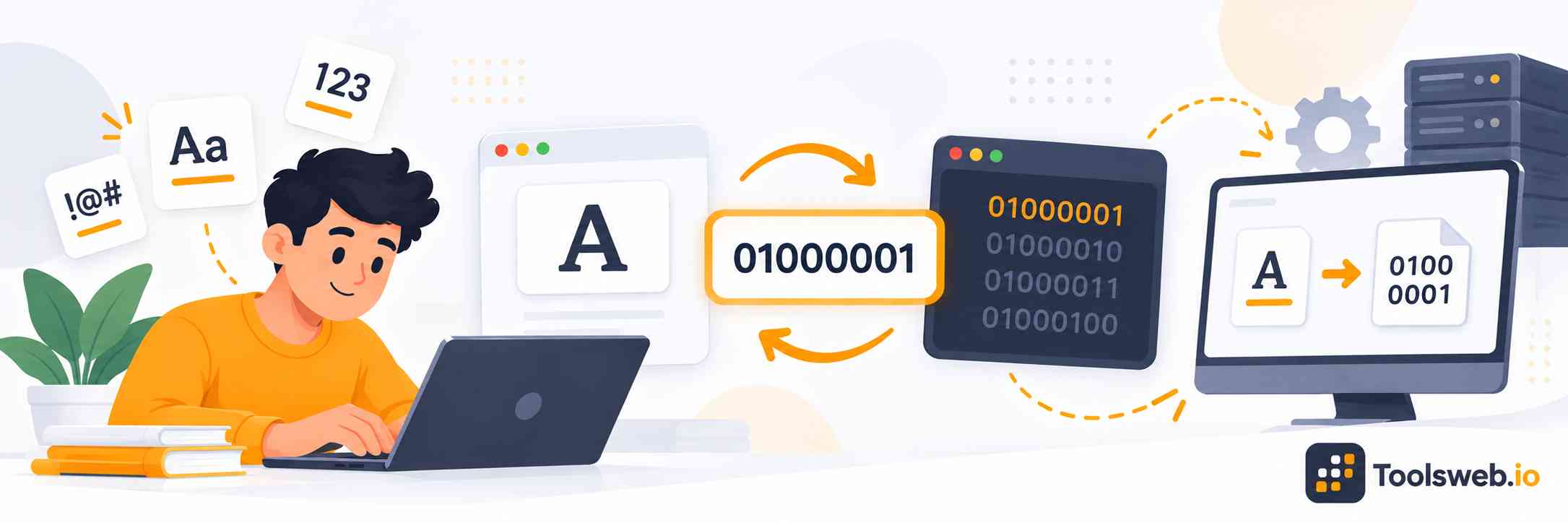
ASCII to Binary Converter showing ASCII characters converted into binary code.

How Can You Use Our ASCII to Binary Converter?

Our ASCII to Binary Converter quickly converts ASCII text into binary values. Type or paste your text into the converter. The tool processes each character and shows its binary representation. You can copy the binary output after conversion. This saves time when checking homework, studying computer science, or working with simple programming examples.

Step 1

Enter Your ASCII Text

Type or paste the ASCII text you want to convert.

Step 2

View Binary Result

Get the binary value instantly from your ASCII text.

Step 3

Copy Result

Copy the converted binary value for future use.

How to Convert ASCII to Binary Manually

Find each character's ASCII decimal value, then convert it to base 2.

Formula

Binary value=decimal ASCII value converted to base 2Binary\ value = decimal\ ASCII\ value\ converted\ to\ base\ 2

Step by step Guide

  1. Choose an ASCII character.
  2. Find its decimal ASCII value.
  3. Divide by 2 and record each remainder.
  4. Continue until the quotient becomes 0.
  5. Read the remainders from bottom to top.
  6. Add leading zeros to make eight bits.

Practical Example

For A, the ASCII value is 65. 65=64+165 = 64 + 1, so 65=0100000165 = 01000001 in eight-bit binary. Therefore, A becomes 01000001.

ASCII to Binary Conversion Table

Character

ASCII Decimal

8-Bit Binary

A

65

01000001

B

66

01000010

C

67

01000011

a

97

01100001

b

98

01100010

c

99

01100011

0

48

00110000

1

49

00110001

Space

32

00100000

!

33

00100001

?

63

00111111

Note: Standard ASCII uses seven bits, but eight-bit bytes make values easier to read and store. Add leading zeros when an eight-bit result is required.

How Can I Convert ASCII to Binary With JavaScript?

JavaScript can convert an ASCII character into binary with charCodeAt() and toString(2). Use padStart() to keep the result at eight bits.

```
const character = "A";
const binary = character.charCodeAt(0).toString(2).padStart(8, "0");
console.log(binary);
```

This code returns 01000001. For longer text, process each character separately and join the binary values.

Common Mistakes While Converting ASCII to Binary

ASCII conversion becomes easier when you check the character before converting it. Remember that uppercase and lowercase letters have different ASCII values. Also, do not confuse the number 5 with the text character “5”. The number is 101 in binary, while ASCII “5” is 00110101.

Frequently Asked Questions

These FAQs explain why ASCII converts to binary, how letters and numbers get binary values, and how to convert common characters. They also cover English text, digits, and simple ASCII examples. Each answer gives a direct method you can follow.