Binary to Hex Converter

Convert binary numbers to hexadecimal instantly with our Binary to Hex Converter. Enter binary digits, get the hex result, copy it, and learn the simple four bit method with ease.
From
Text—
Binary—
Hexadecimal—
Decimal—
Octal—
ASCII Codes—
Recent
Nothing here yetYour recent activity will appear here

What Is the Binary Number System?

The binary number system uses only two digits, 0 and 1. It is also called base 2. Each digit represents a power of 2. Computers use binary to store and process digital data, such as instructions, numbers, and other digital information.

What Is Hexadecimal?

Hexadecimal is a base 16 number system. It uses 16 symbols, from 0 to 9 and A to F. One hexadecimal digit represents four binary bits, so hex gives a shorter way to write binary values used in programming and computer data. Students use hex when learning number systems.
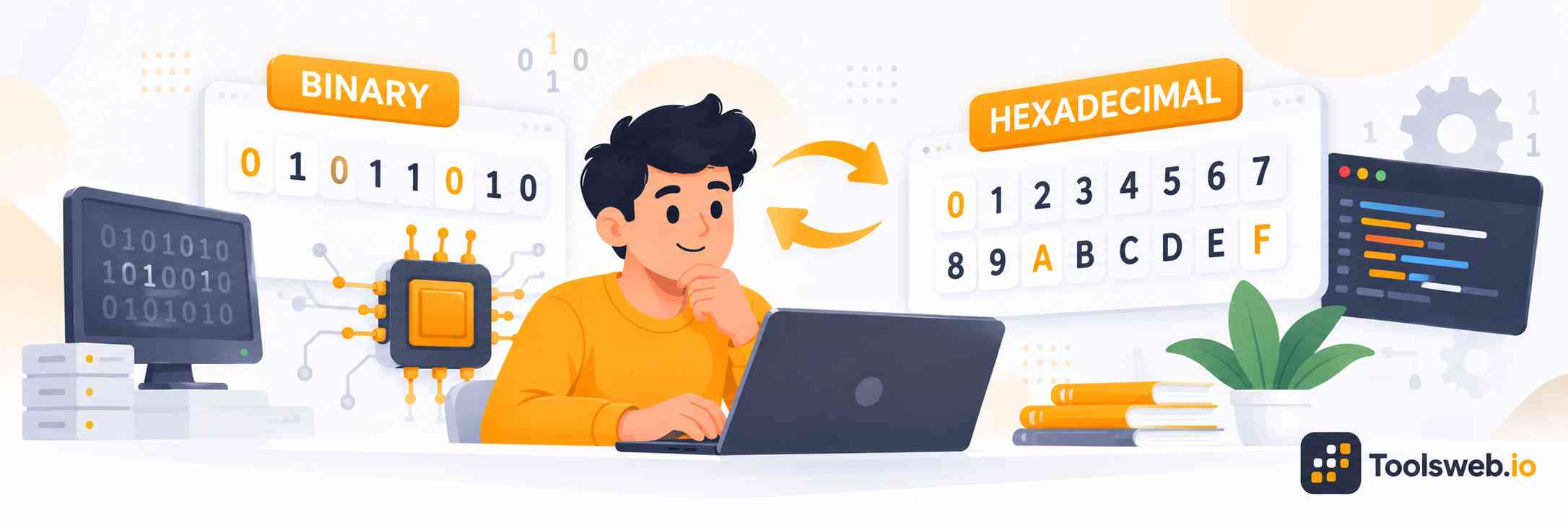
Binary to Hex Converter showing binary digits converted into hexadecimal values from 0 to F.

How can you use our Binary to Hex Converter?

Our Binary to Hex Converter quickly converts binary numbers into hexadecimal values.

Step 1

Enter Your Binary Number

Type or paste the binary number you want to convert.

Step 2

View Hex Result

Get the hexadecimal value instantly from your binary number.

Step 3

Copy Result

Copy the converted hex value for future use.

How to Convert Binary to Hex Manually

Binary converts to hex by grouping bits in sets of four. Each group matches one hexadecimal digit. This works because hexadecimal uses base 16, and 16=2416 = 2^4.

Formula:

16=2416 = 2^4

Step by step Guide:

  1. Start from the right and split the binary number into groups of four.
  2. Add leading zeros to the left group when needed.
  3. Match each group with the conversion table.
  4. Join the matching hex digits.

Practical Example:

Convert 10110110210110110_2 to hex.

1011 0110→B 61011\ 0110 \rightarrow B\ 6

So, 101101102=B61610110110_2 = B6_{16}.

Binary to Hex conversion table

Binary

Hexadecimal

0000

0

0001

1

0010

2

0011

3

0100

4

0101

5

0110

6

0111

7

1000

8

1001

9

1010

A

1011

B

1100

C

1101

D

1110

E

1111

F

Note: Add leading zeros when needed so the leftmost binary group has four digits. Then match each four bit group with one hexadecimal digit.

Binary to Hexadecimal for Large Numbers

Large binary numbers can look difficult, but the same four bit rule always works. Group digits from the right and convert each group.

Converting Binary Values With Leading Zeros

Add zeros before the first group when its length falls below four digits. Leading zeros do not change the binary value. They only complete the group.

Converting Long Binary Strings

Split long binary strings into four bit groups. Convert each group separately, then join the hexadecimal digits to get the final result.

Handling Spaces Between Binary Groups

Spaces can help you read long binary groups. Remove unwanted spaces before conversion if the tool expects one continuous binary value.

Implementing Conversion in Code

You can convert binary to hexadecimal with common programming languages. These examples show simple methods for working with binary values.

Python

```
binary = "10110110"
hex_value = format(int(binary, 2), "X")

print(hex_value)
```

This code returns B6.

C

```
#include <stdio.h>
#include <stdlib.h>

int main(void) {
const char *binary = "10110110";
unsigned long value = strtoul(binary, NULL, 2);

printf("%lX\n", value);
return 0;
}
```

This code converts the binary value into a hexadecimal result.

Java

```
public class Main {
public static void main(String[] args) {
String binary = "10110110";
int value = Integer.parseInt(binary, 2);

System.out.println(Integer.toHexString(value).toUpperCase());
}
}
```

The result is B6.

JavaScript

```
const binary = "10110110";
const value = BigInt("0b" + binary);

console.log(value.toString(16).toUpperCase());
```

The result is B6.

Benefits of Binary to Hexadecimal Conversion

Hexadecimal makes binary data shorter and easier to read. It also helps students, programmers, and developers work with bits, bytes, and encoded values.

Readability

Hex uses one digit for four binary bits. This makes long binary values shorter, clearer, and easier to compare or check quickly.

Memory Representation

Two hex digits can represent eight bits, or one byte. This gives a compact way to describe values stored in computer memory and data.

Low-Level Programming

Programmers use hex when working close to computer hardware. It makes bit patterns, addresses, and machine values easier to inspect.

Data Encoding

Hex provides a compact way to represent encoded data. Developers often use it when viewing bytes, hashes, colors, and other digital values.

Common Binary to Hex Conversion Mistakes

Binary to hex errors often come from wrong grouping, missing leading zeros, or incorrect A to F mappings. Check every four bit group before joining the hex digits. Also remove unsupported spaces or symbols and verify the result by converting it back to binary.

Frequently Asked Questions

These common questions explain binary, hexadecimal, large values, blockchain data, the 0x prefix, and spaces in hex.