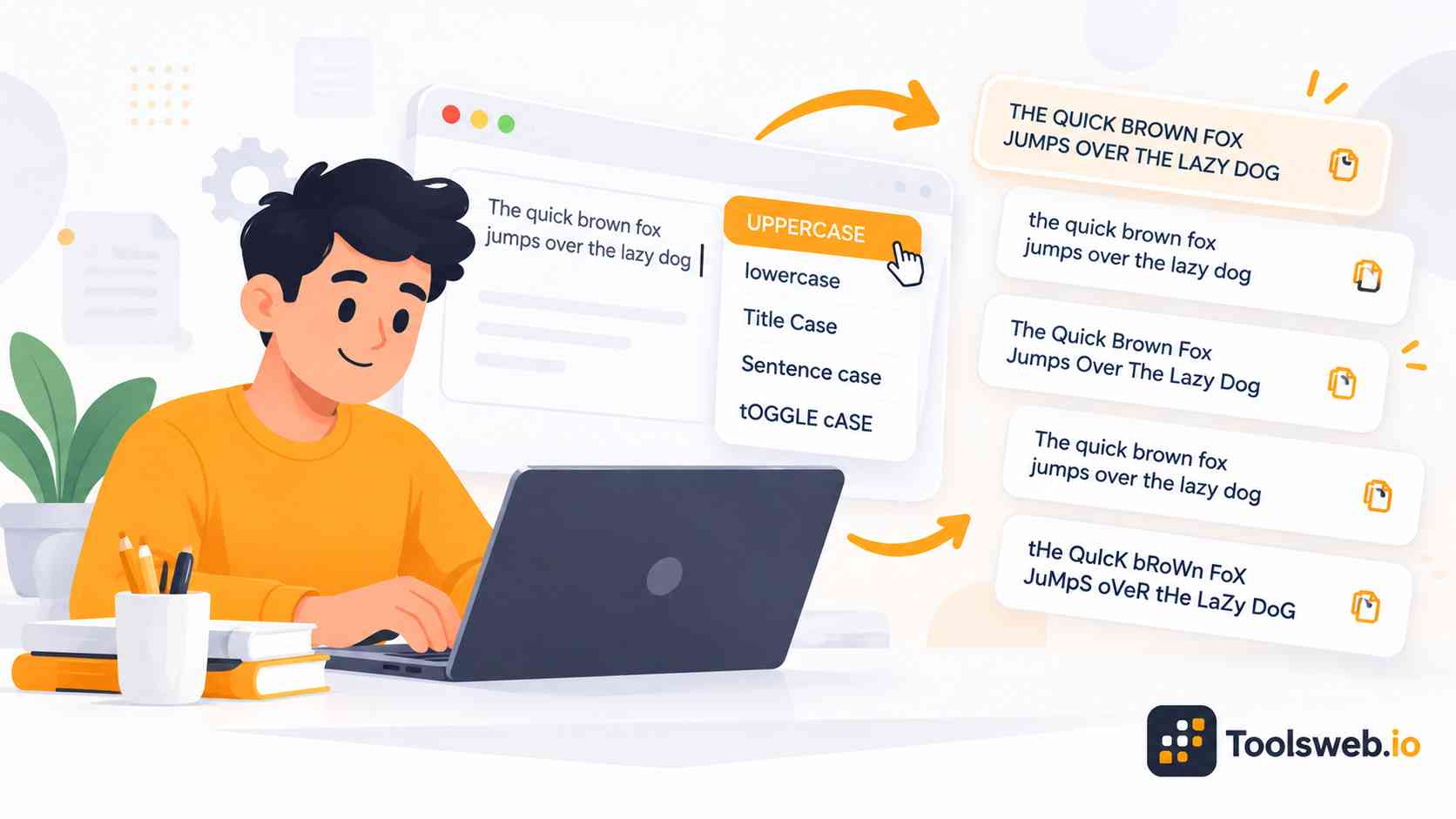
Convert text between uppercase, lowercase, sentence case, title case, camelCase, snake_case, and other formats instantly. Our online Case Converter helps writers, developers, students, and SEO professionals format text quickly and accurately for better readability and consistency.
The tool supports multiple formatting styles with one click. Users can create clean headings, fix paragraph formatting, improve document structure, and prepare text for coding or SEO tasks without manual editing.
It includes popular options like Upper Case, Lower Case, Sentence Case, Title Case, Capitalized Case, and Toggle Case conversion. These formatting styles help users organize content for articles, websites, presentations, programming, and professional documents.
What is a Case Converter?
A Case Converter is an online text formatting tool that changes the capitalization style of text automatically. It saves time and improves writing consistency across documents, websites, and code.
Why Text Case Matters
Text formatting affects readability, user experience, and content presentation. Proper capitalization helps readers understand text faster and makes content look professional. Search engines and users both prefer clean and organized content. Good formatting also improves headlines, blog titles, meta titles, and social media posts.
Different Types of Text Cases
- UPPERCASE – Converts all letters to capital letters (EXAMPLE TEXT).
- lowercase – Converts all letters to small letters (example text).
- Title Case – Capitalizes the first letter of each major word (Example Text).
- Sentence case – Capitalizes only the first letter of a sentence (Example text).
- camelCase – Joins words without spaces and capitalizes each word after the first (exampleText).
- snake_case – Replaces spaces with underscores and uses lowercase letters (example_text).
Developers use naming conventions like camelCase and snake case in programming, while writers use capitalization styles to improve readability and formatting.