ToolsWebBeta
Launch tool

QR Code Generator

Generate QR codes for links and text with compact controls.

Advanced Options
Error Correction
Colors
Recent
Nothing here yetYour recent activity will appear here

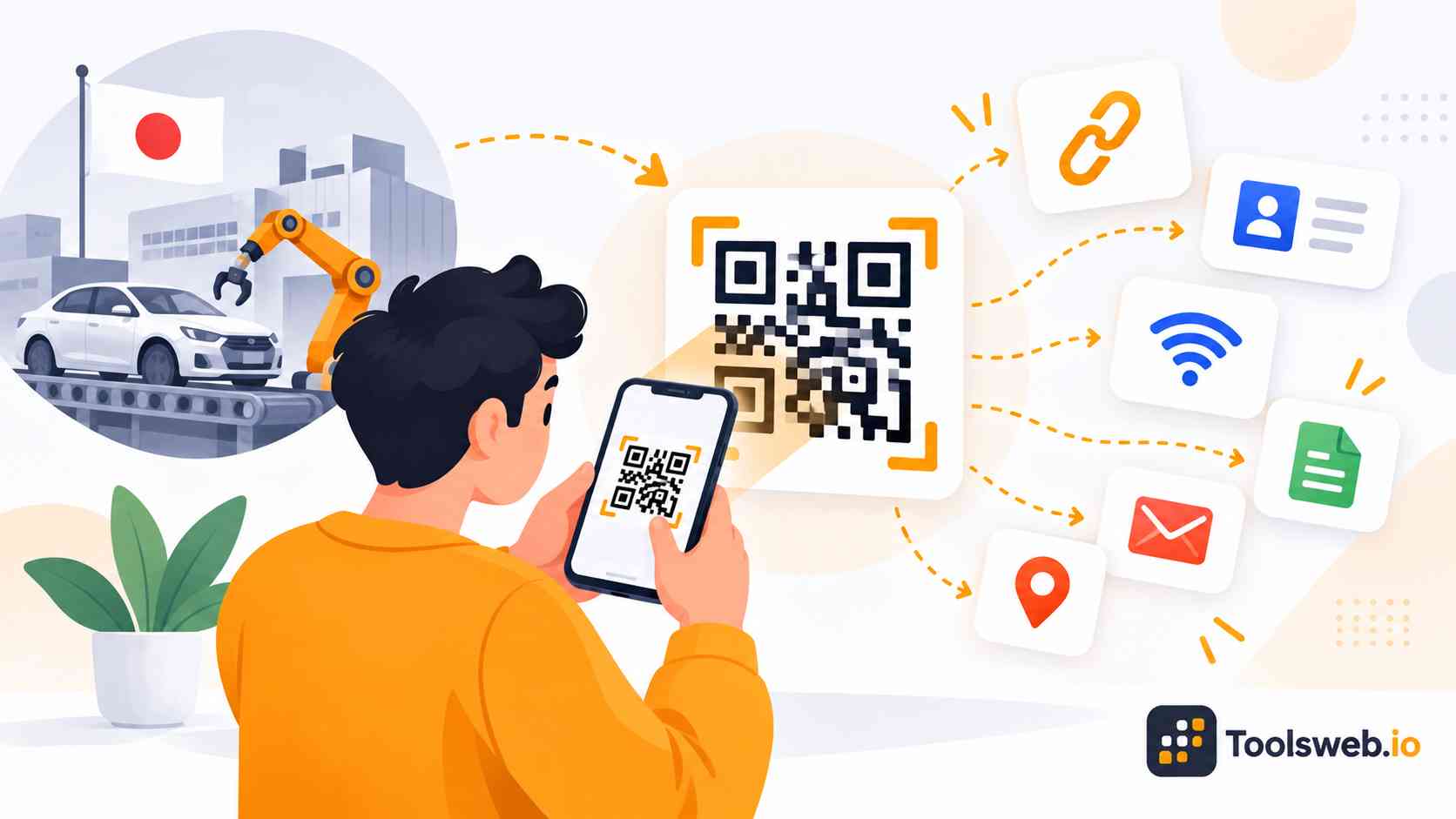
QR stands for “Quick Response” code. It works as a two-dimensional barcode that stores links, text, contact details, WiFi credentials, and other digital data. People use QR codes because they provide instant access to online information. Businesses also use them for mobile engagement, customer interaction, and digital marketing campaigns.

How QR Codes Work
A QR code contains encoded data inside black and white patterns. A phone camera or QR code scanner reads the pattern and converts it into readable information. The scanning process takes only seconds on most smartphones. Users can open websites, save contacts, join WiFi networks, or view files immediately after scanning.

Why QR Codes are Popular

QR codes make digital access fast and simple for users. People can scan instead of typing long URLs or contact details manually. Many brands use QR codes because they support contactless interaction and mobile-first marketing. They also work well on print materials, packaging, and digital campaigns.

How to Use the QR Code Generator

This QR Code Generator creates scannable QR codes from URLs, text, and other supported content instantly.

Step 1

Enter Your Content

Paste a URL, text, or other supported content.

Step 2

Generate the QR Code

The tool creates a QR code automatically.

Step 3

Preview the Result

View the generated QR code instantly.

Step 4

Download or Copy

Download or copy the QR code for use anywhere.

Features of the QR Code Generator

This online QR code maker provides a simple way to create and share scannable QR codes for personal and professional use.

Instant QR Code Creation

Generate QR codes immediately without registration or complicated setup.

URL QR Codes

Convert website links into QR codes that users can scan to open web pages quickly.

Text QR Codes

Create QR codes that store plain text, notes, instructions, codes, or messages.

Real Time QR Generation

The QR code updates automatically as you modify the input content.

Download QR Code Images

Save generated QR codes for use in print materials, presentations, websites, and digital campaigns.

One Click Copy

Copy the generated QR code quickly for sharing and reuse.

Advanced Configuration Options

Access additional QR code settings through the advanced options panel when needed.

Recent QR Code History

View recently generated QR codes for faster access and workflow management.

Browser Based Processing

Generate QR codes directly in your browser without installing software or extensions.

Benefits and Business Uses of QR Codes

QR codes simplify information sharing, improve customer engagement, and provide fast mobile access to digital content. Businesses use them across marketing, sales, events, and customer service to connect offline and online experiences.

Fast Information Sharing

QR codes provide instant access to websites, files, contact details, and digital resources without manual typing.

Marketing and Customer Engagement

Businesses use QR codes in advertisements, flyers, and campaigns to increase engagement and drive traffic to online content.

Contactless Access and Convenience

QR codes enable touch-free access to menus, forms, registrations, and services using a smartphone camera.

Product Packaging and Business Cards

Companies add QR codes to packaging and business cards to share product information, support resources, and contact details quickly.

Social Media and Promotional Campaigns

QR codes connect users directly to social media profiles, promotions, offers, and landing pages, helping brands grow their audience.

Events and Restaurant Services

Event organizers use QR codes for tickets and registrations, while restaurants use them for digital menus and contactless ordering.

Static vs Dynamic QR Codes

Both static and dynamic QR codes serve different purposes depending on user needs. Understanding the difference helps users choose the correct QR code type.

What is a Static QR Code?

A static QR code stores fixed data permanently. Users cannot edit the information after generating the code. Static QR codes work well for simple sharing tasks like text, WiFi passwords, and personal contact details. They also support unlimited scans.

What is a Dynamic QR Code?

A dynamic QR code uses a short redirect link that users can edit later. Businesses often use it for marketing campaigns and analytics tracking.Dynamic QR codes also support scan statistics and link management. Users can update destinations without changing the QR code image.

Which QR Code Type Should You Choose?
Choose static QR codes for permanent and simple content sharing. They work best for personal use and basic business needs. Choose dynamic QR codes for editable campaigns, analytics, and marketing optimization. Businesses often prefer them for professional promotions.

Best Practices for QR Codes

For reliable scanning, use dark colors on light backgrounds, maintain sufficient white space around the QR code, and avoid excessive design modifications that interfere with the pattern. Always test QR codes on multiple devices, verify links before publishing, use an appropriate size for the viewing distance, and include a clear call to action to improve user engagement.

Why Use This QR Code Generator?

This QR Code Generator combines ease of use, customization, and high-quality exports for beginners and businesses alike.

Free and Easy to Use

Users can create and download QR codes quickly without complicated setup processes.

No Technical Skills Required

The simple interface helps beginners generate professional QR codes in minutes.

Fast QR Code Generation

The generator creates scan-ready QR codes instantly for websites, WiFi, text, and marketing campaigns.

Works on All Devices

Users can access the tool from smartphones, tablets, laptops, and desktop browsers.

Secure and Reliable

The platform supports secure QR code generation with strong scan reliability and browser compatibility.

Frequently Asked Questions

This FAQ section answers common questions about QR code generation, customization, safety, and business usage.

Other Related Tools