Hex to Octal Converter

Use our Hex to Octal Converter online to turn any valid hexadecimal number into an octal value. Learn the manual method, view examples, use the table, and get clear results fast.
From
Text—
Binary—
Hexadecimal—
Decimal—
Octal—
ASCII Codes—
Recent
Nothing here yetYour recent activity will appear here

What Is Hexadecimal?

Hexadecimal is a base 16 number system. It uses digits 0 to 9 and letters A to F. Each position represents a power of 16. Computers and programmers use hex because it writes long binary values in a shorter, easier form. For example, A means 10.

What Is the Octal Number System?

The octal number system uses base 8 and only the digits 0 to 7. Each octal digit represents three binary bits. This makes octal useful for reading binary values in shorter groups, especially in computing and Unix file permissions.
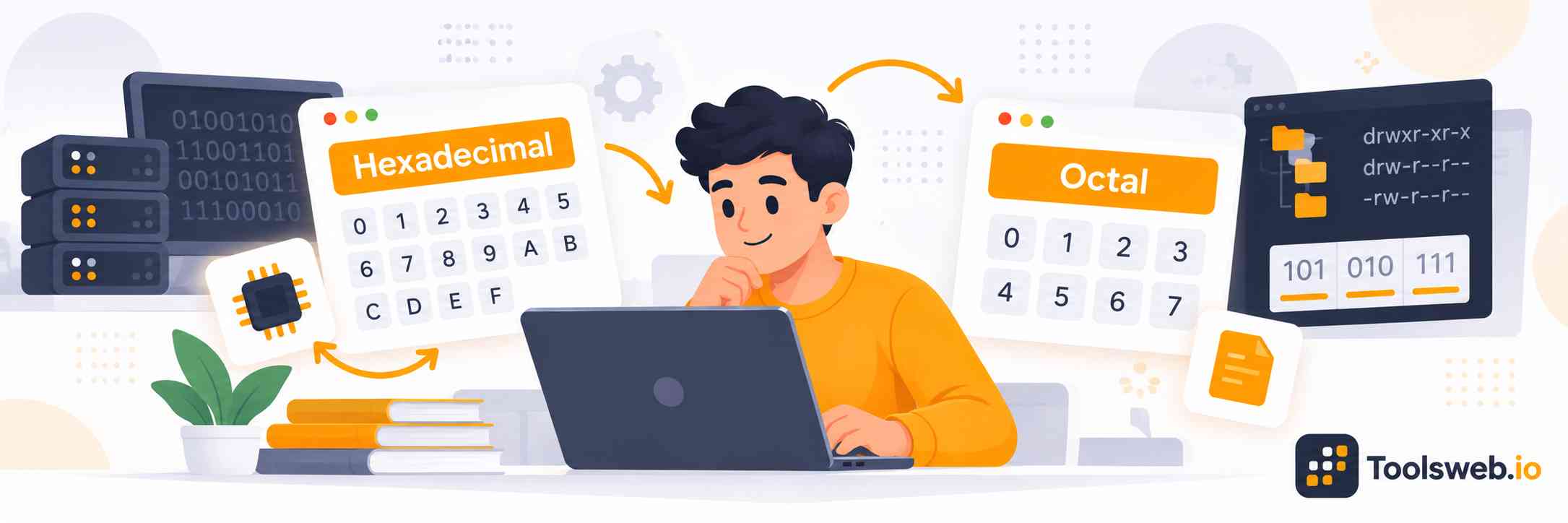
Hex to Octal Converter showing hexadecimal values converted into octal numbers with coding and number system elements

How can you use our Hex to Octal Converter?

Our Hex to Octal Converter quickly changes a hexadecimal number into its octal value. Enter your hex number, view the result, and copy it when needed.

Step 1

Enter Your Hex Number

Type or paste the hexadecimal number you want to convert.

Step 2

View Octal Result

Get the octal value instantly from your hex number.

Step 3

Copy Result

Copy the converted octal value for future use.

How to Convert Hex to Octal Manually

Convert hex to octal through binary. Change each hex digit into four binary bits. Then group the bits into sets of three.

Formula:
Hex→Binary→OctalHex \rightarrow Binary \rightarrow Octal. Each hex digit uses 4 bits. Each octal digit uses 3 bits.

Step by step Guide

  1. Write the hex number.
  2. Convert each digit to 4 bits.
  3. Group bits into 3 from the right.
  4. Add leading zeros if needed.
  5. Convert each group to octal.
  6. Read the result.

Practical Example:
1A316=0001 1010 001121A3_{16}=0001\ 1010\ 0011_2. Group as 000 110 100 011000\ 110\ 100\ 011. This gives 0, 6, 4, 3. Drop the first zero, so 1A316=64381A3_{16}=643_8.

Hex to Octal conversion table

Hexadecimal

Binary

Octal

0

0000

0

1

0001

1

2

0010

2

3

0011

3

4

0100

4

5

0101

5

6

0110

6

7

0111

7

8

1000

10

9

1001

11

A

1010

12

B

1011

13

C

1100

14

D

1101

15

E

1110

16

F

1111

17

Note: Hex digits map to four binary bits, while octal digits map to three. Add leading zeros before grouping so every binary group has three bits.

When Is Hex to Octal Conversion Used?

Hex to Octal conversion helps students and developers work with number systems used in computing, programming, electronics, and Unix permissions.

Computer Programming

Programmers use hex and octal to read binary values, memory data, and code examples. Conversion helps students understand bit patterns.

Digital Electronics

Digital electronics uses binary signals, while hex and octal make bit patterns easier to read. Conversion helps compare these number systems.

Unix and Linux Permissions

Unix and Linux use octal values for file permissions. For example, 7558755_8 represents a common permission setting used with files and folders.

Computer Science and Education

Students learn hex, octal, binary, and decimal to understand number bases. Manual conversion builds skills with bits, place values, and data.

Hex to Octal Conversion Tips

Check every hex digit before converting. Hex uses A to F, while octal uses only 0 to 7. The easiest student method is Hex → Binary → Octal. Use four bits for each hex digit, then groups of three for octal. Add leading zeros when needed and check your answer by converting it back.

Common Mistakes When Converting Hex to Octal

Common errors include treating hex letters as invalid numbers, grouping binary digits incorrectly, forgetting leading zeros, or reading remainders in the wrong order. Always check the final octal value by converting it back to binary.

Frequently Asked Questions

These FAQs cover hex and octal differences, common examples, real world uses, copying results, free access, and large number conversion.