Hex to Text Converter

Hex to Text Converter quickly turns hexadecimal values into readable text. Paste your hex code, convert it instantly, and copy the result. Learn hex, ASCII, and UTF 8 with clear examples.
From
Text—
Binary—
Hexadecimal—
Decimal—
Octal—
ASCII Codes—
Recent
Nothing here yetYour recent activity will appear here

What Is Hexadecimal?

Hexadecimal is a base 16 number system. It uses 0 to 9 and A to F. Computers use hex to show bytes and binary data in a shorter form. Each hex digit represents four bits, making long binary values easier to read and write. It saves space.

What Is ASCII Text?

ASCII is a character code that maps numbers to letters, digits, and symbols. For example, hex 41 represents A, while hex 30 represents 0. ASCII helps computers store and display basic English text. It also includes control characters such as line feed.
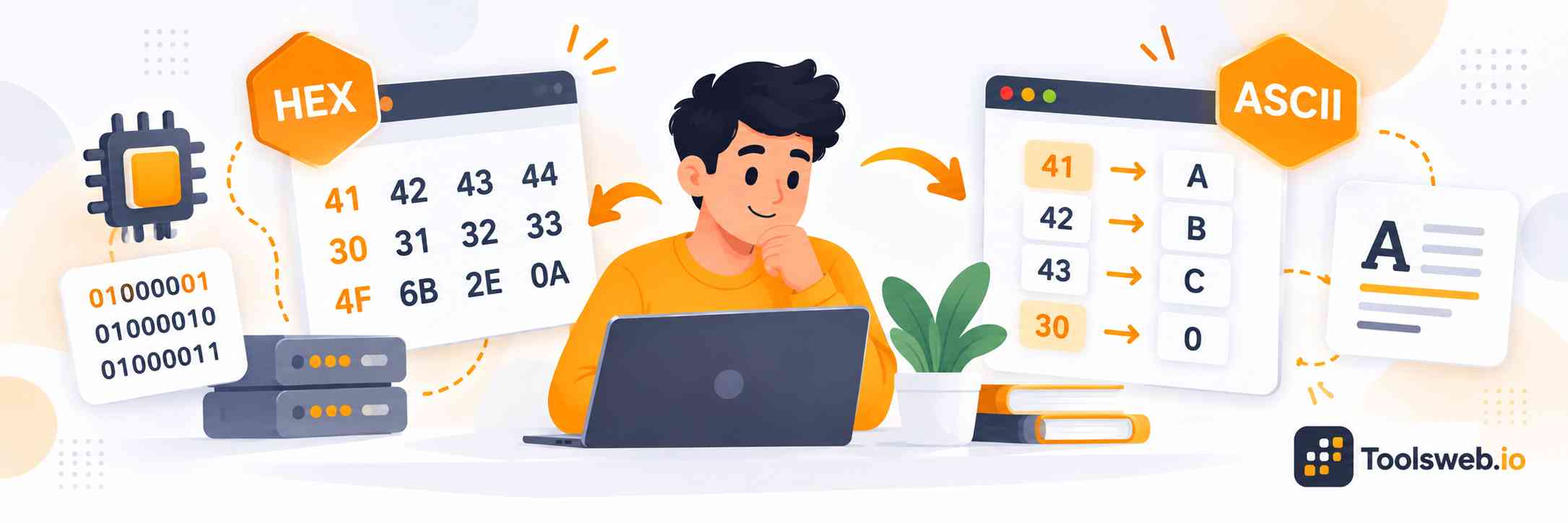
Hex to Text Converter showing hexadecimal values converted into ASCII text characters.

How can you use our Hex to Text Converter?

Our Hex to Text Converter turns hexadecimal values into readable text in seconds. Enter valid hex bytes, view the decoded result, and copy it for your work.

Step 1

Enter Your Hex Values

Type or paste the hexadecimal values you want to convert.

Step 2

View Text Result

Get the readable text instantly from your hex values.

Step 3

Copy Result

Copy the converted text for future use.

How to Convert Hex to Text Manually

You can convert hex to text by changing each hex pair into a decimal value, then matching that value to an ASCII code.

Formula

Decimal=(First hex digit×16)+Second hex digitDecimal = (First\ hex\ digit × 16) + Second\ hex\ digit

Step by step Guide

  1. Split the hex code into pairs of two digits.
  2. Change pairs from base 16 to decimal.
  3. Match decimal values with their ASCII character.
  4. Join the characters to form the text.

Practical Example

For 4848, calculate 4×16+8=724 × 16 + 8 = 72. ASCII value 72 is H. For 6969, calculate 6×16+9=1056 × 16 + 9 = 105. ASCII value 105 is i. So 48 6948\ 69 becomes Hi.

Hex to Text conversion table

Hex

Decimal

Text

48

72

H

65

101

e

6C

108

l

6C

108

l

6F

111

o

20

32

Space

57

87

W

6F

111

o

72

114

r

6C

108

l

64

100

d

Note: Each hex pair represents one byte. ASCII maps common byte values to characters, so 48 65 6C 6C 6F becomes Hello. Spaces can separate byte pairs.

Features of our Hex to Text converter

Our Hex to Text converter gives fast, clear results with a simple input box and output area. Paste hex values, convert them, review the readable text, and copy the result. It works well for students, coding practice, debugging, ASCII checks, and homework. You can focus on the result without doing every calculation by hand.

Types of Hex Encoding

Hex can represent bytes from different encodings. ASCII covers basic characters, while Unicode encodings support text from many languages.

ASCII Encoding

ASCII maps letters, numbers, and symbols to numeric codes. For example, 4141 represents A, and 3030 represents 0. Hex makes these codes easy to read.

UTF 8 and Unicode

Unicode supports characters from many languages. UTF 8 stores Unicode characters with one or more bytes, so hex can represent text beyond basic ASCII.

UTF 16 and Other Encodings

UTF 16 uses two or more bytes for Unicode text. Other encodings also exist, so the correct encoding matters when hex data contains non ASCII characters.

Hex to Text Conversion Use Cases

Hex to text conversion helps students and developers read encoded data. It can help with files, network data, debugging, and other technical tasks.

Data Recovery and Forensics

Hex values can appear in file data and digital evidence. Converting readable byte sequences to text can help you inspect stored information.

Network Packet Analysis

Network packets may contain hexadecimal bytes. Converting selected bytes to text can help you understand headers, messages, and readable payload data.

Debugging and Troubleshooting

Developers often see hex values in logs, memory data, and program output. Converting them to text can reveal readable characters and help find errors.

Cryptography

Cryptographic data often uses hexadecimal for hashes, keys, and values. Hex to text can reveal readable parts, but encrypted data will not become text.

Tips and Strategies for Effective Hex to Text Conversion

Check that your input contains valid hex digits from 0 to 9 and A to F. Use pairs of digits for bytes, check the encoding, and watch for spaces, 0x prefixes, and non printable characters. These checks can prevent confusing results.

Frequently Asked Questions

Get quick answers about hex conversion, ASCII codes, hexadecimal limits, spaces, prefixes, and common student questions.