ToolsWebBeta
Launch tool

Password Generator

Generate strong, random passwords with configurable rules.

Password
J2&3m$aFhB<-V|lG
Strengthvery-strong
103.35 bits entropy
Recent
Nothing here yetYour recent activity will appear here
16 chars
Length: 164–128

Modern online security tools help users create strong passwords, protect accounts, and improve digital safety. These browser-based utilities support better cybersecurity habits for personal and business use.

Password Generator Tools

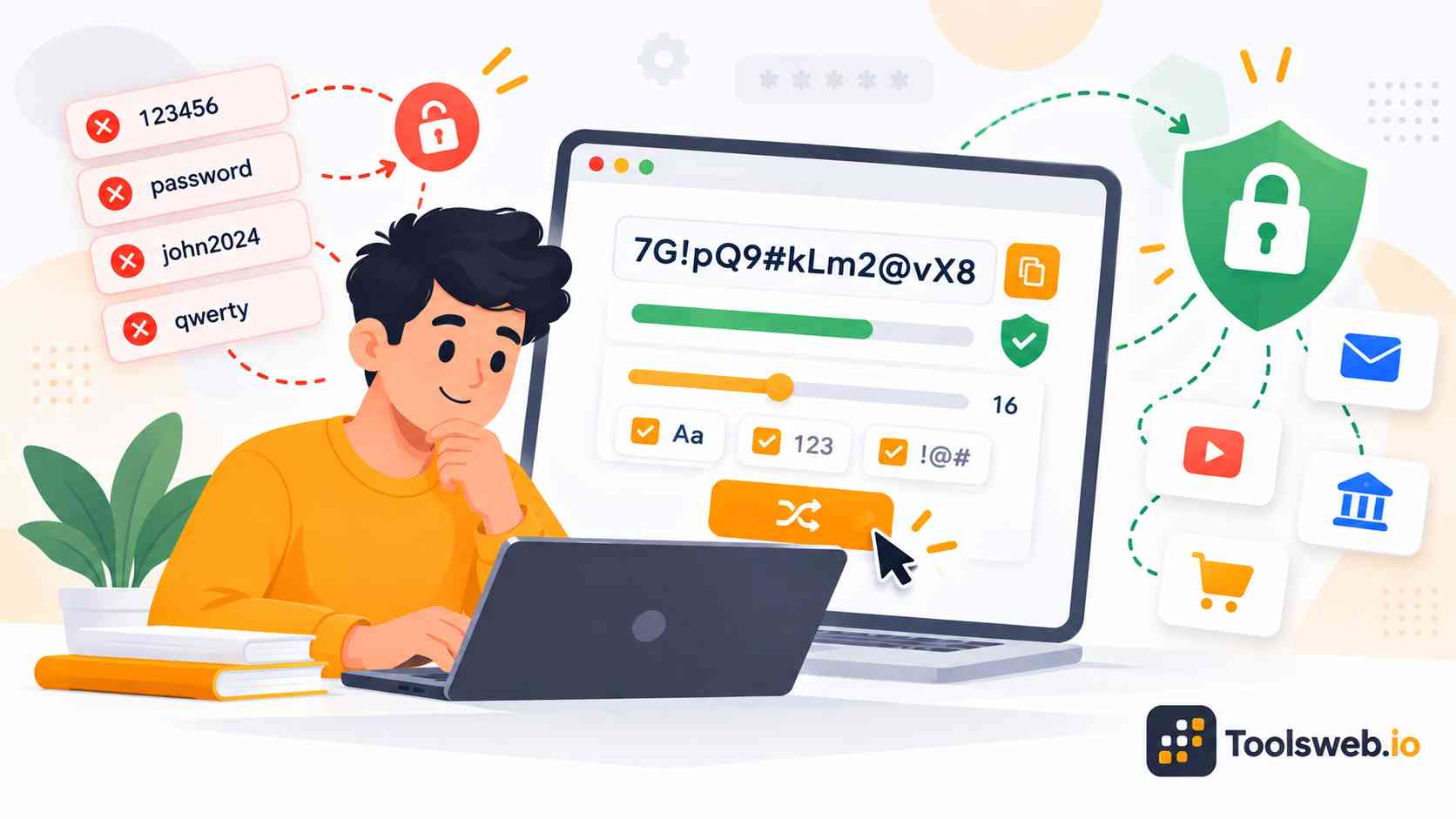
Our online free password generator tool creates strong, random, and secure passwords in seconds. Users can generate unique combinations of uppercase letters, lowercase letters, numbers, and special characters to protect accounts from unauthorized access and hacking attempts.

Our tool helps users create secure passwords and memorable passphrases for banking, email, social media, cloud storage, and business accounts. Users can also customize password length, symbols, and character types to match different website security requirements.

Our online free password generator tool improves password security, privacy, and credential management. It generates high strength passwords instantly and helps users create safer login credentials for personal and professional use.

Security Best Practices
Strong cybersecurity starts with using unique passwords, enabling two-factor authentication (2FA), and storing credentials in secure password managers. Avoid weak or reused passwords, keep devices and software updated, and regularly change important passwords to reduce the risk of unauthorized access, phishing attacks, and data breaches.

How to Use the Password Generator

This online Password Generator creates strong random passwords with customizable security settings.

Step 1

Set Password Length

Choose the desired password length.

Step 2

Select Character Types

Pick the characters to include.

Step 3

Exclude Similar Characters

Remove confusing characters if needed.

Step 4

Generate a Password

Tool creates random password instantly.

Step 5

Copy the Password

Copy the generated password with one click.

Features of the Password Generator Tool

This tool helps users create secure passwords for personal, business, and online accounts.

Custom Password Length

Generate passwords ranging from 4 to 128 characters to meet different security requirements.

Uppercase Letter Support

Include A–Z characters to increase password complexity and strength.

Lowercase Letter Support

Add a–z characters for greater password variety and randomness.

Number Support

Include digits from 0–9 to create stronger password combinations.

Special Character Support

Generate passwords with symbols such as !, @, #, and $ for enhanced security.

Exclude Ambiguous Characters

Remove visually similar characters to improve readability and reduce typing mistakes.

Password Strength Indicator

View a real-time assessment of password strength, ranging from weak to very strong.

Entropy Calculation

See the estimated password entropy to better understand the password's resistance to guessing attacks.

One Click Password Regeneration

Create new password variations instantly without changing your settings.

Copy Password Instantly

Copy generated passwords with a single click for quick use across websites and applications.

Recent Password History

Access recently generated passwords for easier reference during a session.

Common Uses of Password Generators

These are the common uses of our tool

Online Accounts

Create secure passwords for email, social media, and web services.

Business Systems

Generate strong credentials for employee and administrative accounts.

Development and Testing

Create random passwords for application testing and user account setup.

Password Manager Entries

Generate high entropy passwords for storage in password management software.

Why Use Online Security Tools?

Online security tools simplify cybersecurity tasks for everyday users and professionals. They improve password safety, account protection, and secure data management.

Improve Cybersecurity

Strong password generation and secure encryption utilities reduce common online security risks.

Prevent Unauthorized Access

Password protection tools help block attackers from accessing sensitive accounts and private systems.

Secure Sensitive Information

Encoding and hashing utilities improve data protection during storage and transmission.

Simplify Password Management

Password generators and managers make credential organization easier across multiple accounts.

Protect Personal and Business Accounts

Strong authentication practices help secure financial, work, and personal digital assets.

Frequently Asked Questions

These frequently asked questions help users understand online security tools, password protection, and secure authentication methods more clearly.

Other Related Security Tools