ToolsWebBeta
Launch tool

Password Strength Checker

Analyze password strength with entropy, crack time, and improvement suggestions.

0 chars
0 bits

Check your password strength in seconds with our secure Password Strength Checker. This tool helps you find weak passwords, improve account security, and build stronger login credentials for better online protection.

What is a Password Strength Checker?

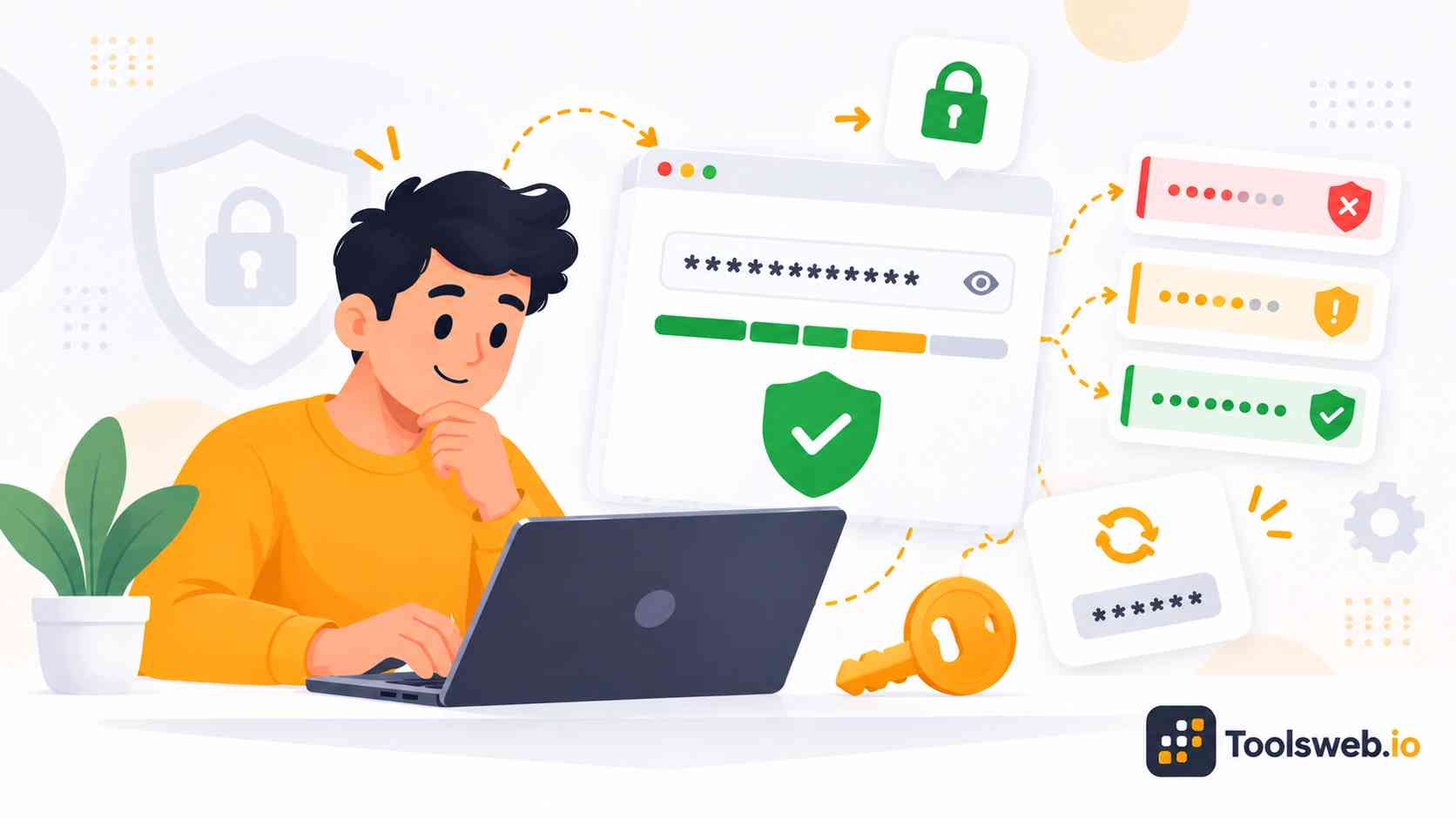
A Password Strength Checker tests how secure your password is against common cyber threats. It analyzes password length, complexity, uniqueness, and estimated crack time to help you create safer login credentials.

Why Password Security Matters

Weak passwords make it easy for hackers and cybercriminals to access online accounts. A single compromised password can expose personal data, banking details, and business information. Strong password security lowers the risk of unauthorized access, identity theft, credential stuffing, and data breaches. It also improves overall cybersecurity and account protection.

How Password Strength Testers Work
Password strength testers analyze password patterns, character diversity, symbols, numbers, and entropy. They estimate how long attackers may need to crack your password using brute force attacks or dictionary attacks. Many modern tools use smart password scoring algorithms like zxcvbn to detect weak patterns, repeated characters, and predictable combinations.

Understanding Password Complexity
Password complexity measures how difficult a password is to guess or crack. Strong passwords often combine uppercase letters, lowercase letters, numbers, symbols, and random character patterns. Complex passwords improve password entropy and reduce vulnerability to automated attacks.

Common Weak Password Mistakes

Common password mistakes include reusing passwords across multiple websites, choosing easy-to-guess passwords, storing credentials insecurely, relying solely on browser password storage, and not enabling multi-factor authentication (MFA). These practices increase the risk of phishing attacks, credential theft, unauthorized access, and account compromise.

How to Use our Password Strength Checker

This tool analyzes password security and provides instant strength recommendations.

Step 1

Enter Your Password

Type your password into the checker.

Step 2

Analyze Password Strength

Review its strength and security level.

Step 3

Review Security Tips

Follow suggestions to improve password security.

What Makes a Strong Password?

Strong passwords use length, complexity, and randomness to protect accounts from hacking and unauthorized access. Most security experts recommend passwords with at least 12–16 characters.

A strong password combines uppercase letters, lowercase letters, numbers, and symbols to reduce predictability. Users should also create unique passwords for every account to prevent credential reuse attacks.

Memorable passphrases and random character combinations improve both security and usability. Avoid common words, keyboard patterns, and simple phrases when creating passwords..

How Attackers Crack Weak Passwords

Cybercriminals use different password cracking techniques to steal login credentials. Understanding these threats helps users create stronger and safer passwords.

Brute Force Attacks

Brute force attacks test massive numbers of password combinations automatically. Short and simple passwords often fail quickly during these attacks.Long passwords with random characters increase crack time dramatically. Higher password entropy makes brute force attacks less effective.

Dictionary Attacks

Dictionary attacks use lists of common words and predictable password patterns. Attackers target passwords that contain names, dates, or simple phrases.Passwords built from random words and symbols resist these attacks more effectively. Complex passphrases also reduce pattern detection risks.

Credential Stuffing

Credential stuffing uses leaked usernames and passwords from previous breaches. Attackers automate login attempts across many websites rapidly.Unique passwords protect users from widespread account compromise. Password reuse greatly increases vulnerability to credential stuffing attacks.

Phishing and Social Engineering

Phishing attacks trick users into revealing passwords through fake emails or websites. Social engineering manipulates people instead of targeting technical systems directly.Strong password habits alone cannot stop phishing attempts completely. Users should also verify websites, emails, and login requests carefully.

Password Security Best Practices

Following smart password habits improves account protection and lowers cyber risk. Simple security practices can greatly strengthen password hygiene and digital safety.

  • Use long passwords with at least 12 characters for stronger security.
  • Create unique passwords for every account to prevent credential reuse.
  • Enable multi factor authentication for extra account protection.
  • Store passwords securely in an encrypted password manager.
  • Generate strong random passwords instead of predictable phrases.
  • Change compromised or exposed passwords immediately after a breach.
  • Avoid reusing old passwords across multiple websites and apps.
  • Improve password hygiene to reduce hacking and cyber risks. 

Why Choose Our Password Strength Checker?

Our tool focuses on speed, security, usability, and accurate password evaluation. It helps users improve password safety without technical complexity.

Fast and Accurate Password Analysis

The checker delivers real-time password scoring and crack time estimation instantly.

Secure Password Testing

Client-side password checking keeps your credentials private and secure.

Easy-to-Use Interface

The simple layout helps beginners test password strength without confusion.

Works Across All Devices

Users can check password security smoothly on desktops, tablets, and mobile devices.

Completely Free Online Tool

The Password Strength Checker offers full functionality without registration or payment.

Frequently Asked Questions

This FAQ section answers common questions about password security, password strength testing, and secure credential management.

Other Related Security Tools