ToolsWebBeta
Launch tool

Character Counter

Count characters, words, sentences, paragraphs, and see character frequency.

Characters

0

No spaces

0

Words

0

Sentences

0

Paragraphs

0

Lines

0

Letters

0

Digits

0

Spaces

0

Bytes

0

Reading time

0 sec

Speaking time

0 sec

Avg word length

0 chars

Recent
Nothing here yetYour recent activity will appear here
0 chars
0 words

A character counter helps you measure text length in real time. This tool counts characters, words, sentences, spaces, and paragraphs instantly for writing, SEO, social media, coding, and academic work.

What is a Character Counter?

A character counter is an online writing tool that counts letters, numbers, symbols, spaces, and punctuation marks in text. It gives live updates as users type or edit content.Many modern text counters also include word count, sentence count, paragraph count, and reading time analysis. These features improve content optimization and writing accuracy.

How Character Counters Work
Character counters scan text input in real time and measure every visible or hidden character. The tool processes spaces, line breaks, Unicode symbols, and special characters instantly. Most browser-based text analyzers use lightweight text processing systems for fast performance. This creates accurate results without slowing down the user experience.

Common Character Counting Mistakes

Common character counting mistakes include ignoring spaces in character limits, exceeding platform-specific text restrictions, confusing character counts with word counts, and overlooking how Unicode characters, emojis, and special symbols are measured.

Privacy and Security

This text analysis tool processes content directly in your browser to improve privacy, speed, and security. Your text remains under your control, is not publicly exposed, and is typically not stored permanently, making the tool suitable for analyzing personal, academic, business, and other sensitive content.

How to Use our Character Counter Tool

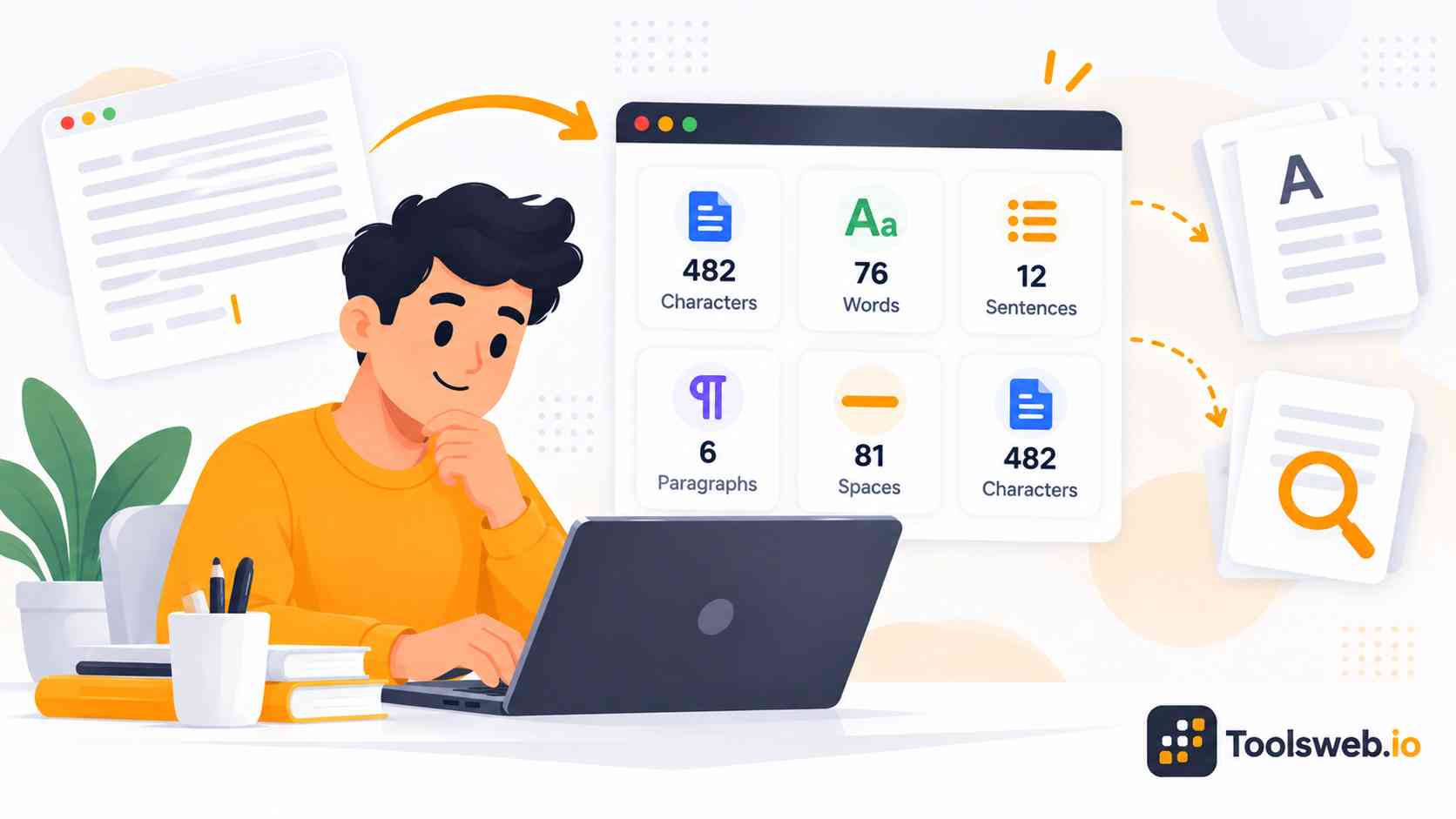
This online Character Counter helps you analyze text by calculating characters, words, sentences, paragraphs, and other writing statistics.

Step 1

Paste or Type Text

Enter your text into the editor.

Step 2

View Text Statistics

See word, character,sentence counts instantly.

Step 3

Review Detailed Results

Check additional text metrics and statistics.

Step 4

Copy Your Text

Copy the text with one click.

Features of the Character Counter Tool

This tool provides detailed text analysis for writers, students, marketers, and content creators.

Character Count

Count the total number of characters in your text instantly.

Characters Without Spaces

View the character count excluding spaces for more precise text measurements.

Word Count

Calculate the total number of words within a document or text block.

Sentence Count

Measure the number of sentences to better understand content structure.

Paragraph Count

Track how many paragraphs are included in the text.

Line Count

Determine the total number of lines in the content.

Letter Count

Count alphabetic characters separately from numbers and symbols.

Digit Count

Identify the number of numeric characters used in the text.

Space Count

Measure the total number of spaces between words and sentences.

Byte Count

View the text size in bytes for technical and data-related purposes.

Reading Time Estimator

Estimate how long it takes an average reader to read the content.

Speaking Time Estimator

Calculate the approximate time required to speak the text aloud.

Average Word Length

Analyze the average number of characters per word.

Recent History

Access recently analyzed text for easier reference.

One Click Copy

Copy content instantly without manually selecting the entire text.

Character Limits for Popular Platforms

Different platforms use different text length rules. Understanding these limits helps users publish optimized content without formatting issues.

Twitter/X Character Limit
X allows most posts up to 280 characters. Short and focused writing performs better on the platform.

Instagram Caption Character Limit
Instagram supports captions up to 2,200 characters. Clear formatting and shorter paragraphs improve readability.

Facebook Post Character Limit
Facebook supports long posts, but shorter updates usually increase engagement and readability.

YouTube Description Character Limit
YouTube allows long video descriptions, but users should keep important information near the beginning.

Meta Title and Meta Description Limits
SEO meta titles usually work best under 60 characters, while meta descriptions often perform best under 155–160 characters.

LinkedIn Post Character Limit
LinkedIn supports long posts, but concise and readable content often performs better for engagement.

Benefits of Using This Character Counter

This tool improves writing efficiency, text accuracy, and content optimization. Users receive fast results without technical complexity.

Instant and Accurate Results

The tool updates statistics instantly while users type or edit text. Real-time analysis saves time and improves workflow speed.Accurate text counting reduces submission errors and formatting problems. This helps users publish content with confidence.

Improves Writing Productivity

Writers can edit, shorten, and optimize text faster with live feedback. Quick analysis improves daily writing efficiency.Content creators also reduce manual checking time significantly. This allows more focus on quality and creativity.

Helps Meet Platform Limits

The tool prevents users from exceeding text restrictions across websites and apps. This improves publishing accuracy and user experience.Users can optimize titles, captions, descriptions, and ads more effectively. Better formatting improves engagement and visibility.

Free and Easy to Use

Users can access the tool instantly without technical knowledge. The interface stays simple, clean, and beginner-friendly.Free online access makes the tool useful for students, writers, marketers, and businesses. Anyone can analyze text quickly from any browser.

Works on Mobile and Desktop

The responsive interface works smoothly across phones, tablets, and computers. Users can track text length from anywhere.Cross platform compatibility improves accessibility and convenience. This supports modern mobile-first content workflows.

No Registration Required

Users can start counting characters immediately without creating an account. Fast access improves usability and productivity.No signup process also reduces friction and saves time. This creates a smoother writing experience for all users.

Who Should Use This Character Counter?

This tool supports many writing, marketing, SEO, and technical workflows. Different users benefit from accurate text measurement in different ways.

Students and Researchers

Students can manage essay length, assignment rules, and academic writing requirements more accurately.

Writers and Authors

Writers can improve readability, pacing, and content structure with live text analysis.

SEO Professionals

SEO experts can optimize titles, descriptions, headings, and metadata for search engines.

Social Media Managers

Social media teams can create posts that match platform character limits perfectly.

Marketers and Copywriters

Copywriters can craft concise ads, headlines, and marketing messages more effectively.

Developers and Programmers

Developers can validate user input fields and manage frontend character restrictions easily.

Frequently Asked Questions

This section answers common questions about character counting, text analysis, privacy, and writing optimization tools.

Related Text Tools