ToolsWebBeta

Word Counter

Count words, characters, paragraphs, and reading time instantly.

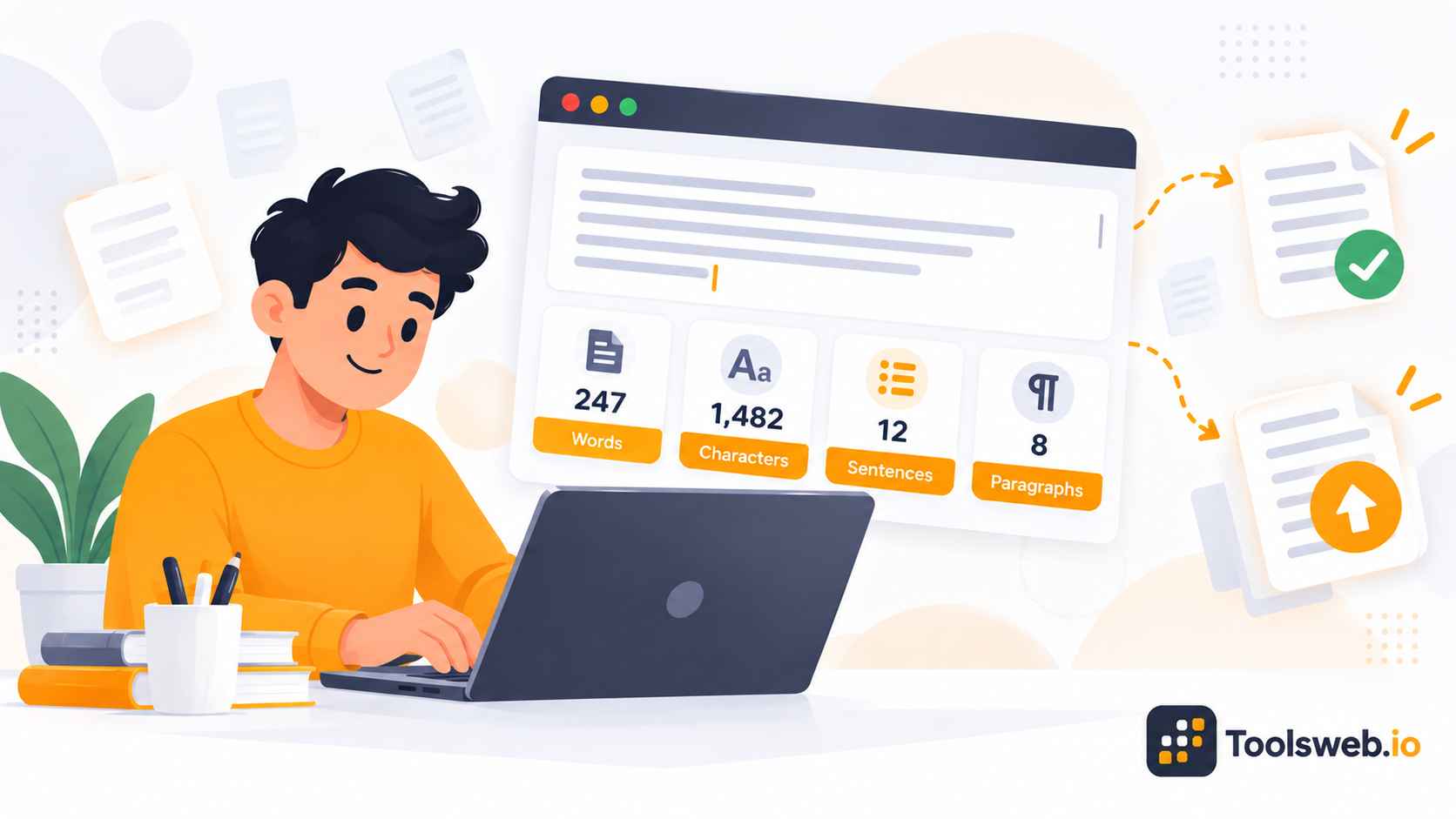
Words0
Characters0
Sentences0
Paragraphs0
Auto-saving
0 min

A word counter helps you track words, characters, sentences, and paragraphs in real time. It supports better writing, SEO optimization, readability, and content planning for students, writers, bloggers, and marketers.

What is a Word Counter?

A word counter measures text length and provides useful writing statistics in seconds. It helps users manage content limits, improve clarity, and optimize written content.

A word counter is an online writing tool that counts words, characters, sentences, and paragraphs in a text. It helps users monitor content length for essays, blogs, social posts, SEO articles, and business writing.

Many modern word counters also include grammar checking, readability analysis, keyword density tracking, and AI writing detection. These features improve writing quality and content optimization.

How a Word Counter Works

A word counter scans your text instantly as you type or paste content into the editor. It detects spaces, punctuation, sentences, and formatting to calculate accurate writing statistics.

Advanced tools also analyze readability scores, keyword frequency, and writing structure. This helps users create clearer, more search-friendly content.

Why Word Count Matters

Word count plays an important role in content quality, readability, SEO, and communication effectiveness. It helps writers meet requirements for blog posts, academic assignments, social media content, books, and business documents while ensuring information is clear, well-structured, and appropriate for the intended audience.

How to Use our Word Counter Tool

This Word Counter instantly calculates words, characters, sentences, and paragraphs as you type or paste text.

Step 1

Enter or Paste Text

Type or paste your content into the editor.

Step 2

View Live Statistics

See text statistics update in real time.

Step 3

Review Writing Metrics

Check word, character, sentence, and paragraph counts.

Step 4

Copy or Edit Text

Edit your content or copy it instantly.

Features of the Word Counter Tool

This online word counter provides fast and accurate text analysis for writers, students, marketers, and content creators.

Real Time Word Count

Track the total number of words instantly while writing or editing content.

Character Counter

Count all characters in your text with or without spaces for accurate length measurement.

Sentence Count

Monitor the total number of sentences to better structure and organize your writing.

Paragraph Count

View the number of paragraphs in your content to improve readability and formatting.

Include or Exclude Spaces

Choose whether spaces should be included in character calculations for more precise results.

Live Text Analysis

Statistics update automatically as you type, paste, or edit text.

One Click Text Copy

Copy your content instantly for use in documents, websites, emails, or social media posts.

Auto Save Support

The editor automatically preserves recent text to help prevent accidental data loss.

Browser Based Processing

Analyze text directly in your browser without downloading software or creating an account.

Word Count Guidelines by Content Type

Different writing formats require different word counts and character limits. Understanding these standards helps writers create better content.

Blog Post Word Count

Blog post length varies by topic, but quality and search intent matter more than word count alone.

  • Usually 1,000–2,500 words.
  • Longer posts add depth.
  • Prioritize usefulness.

Social Media Character Limits

Each social platform has unique character limits that affect content performance.

  • Optimize for each platform.
  • Keep posts concise.
  • Encourage engagement.

Email and Business Writing Length

Business writing should be clear, direct, and easy to read.

  • Keep messages brief.
  • Improve readability.
  • Maintain professionalism.

Novel and Book Word Count Guidelines

Book length depends on genre, audience, and storytelling needs.

  • Most novels are 50k–100k words.
  • Genres vary in length.
  • Focus on pacing.

Benefits of Using This Word Counter Tool

This tool helps users write faster, improve accuracy, and optimize content across multiple writing formats.

Instant and Accurate Counts

The tool updates counts in real time while you type or edit content. This improves speed and writing accuracy.

Improves Writing Productivity

Writers can edit content faster with live statistics and readability insights. This reduces manual checking and saves time.

Helps Meet Writing Limits

The tool helps users stay within required word or character limits easily. This supports academic, SEO, and business writing tasks.

Supports SEO

SEO writers can monitor keyword density, readability, and content structure. This improves search optimization naturally.

Free and Easy to Use

Users can access the tool instantly without downloads or technical setup. The interface remains simple for beginners and professionals.

Works on All Devices

The word counter works on desktops, tablets, and smartphones smoothly. Users can analyze content anywhere at any time.

Who Should Use This Word Counter?

This tool supports different types of writers, students, marketers, and professionals who need accurate text analysis and writing support.

Students

Students can track assignment length, improve readability, and meet essay requirements more easily.

Writers and Authors

Writers and authors can manage manuscript length, sentence flow, and content structure efficiently.

SEO Professionals and Bloggers

SEO professionals and bloggers can optimize keyword usage, readability, and topical relevance for search engines.

Journalists and Researchers

Journalists and researchers can monitor article length and improve clarity in professional writing.

Social Media Managers

Social media managers can stay within platform character limits while creating engaging posts.

Copywriters and Marketers

Copywriters and marketers can improve ad copy, landing page content, and conversion-focused messaging.

Job Seekers

Job seekers can optimize resumes, cover letters, and professional profiles with better writing clarity.

Frequently Asked Questions

No jargon, no marketing spin. Here is how ToolsWeb.io actually works.

Related Text Tools