ToolsWebBeta
Launch tool

Reverse Text Generator

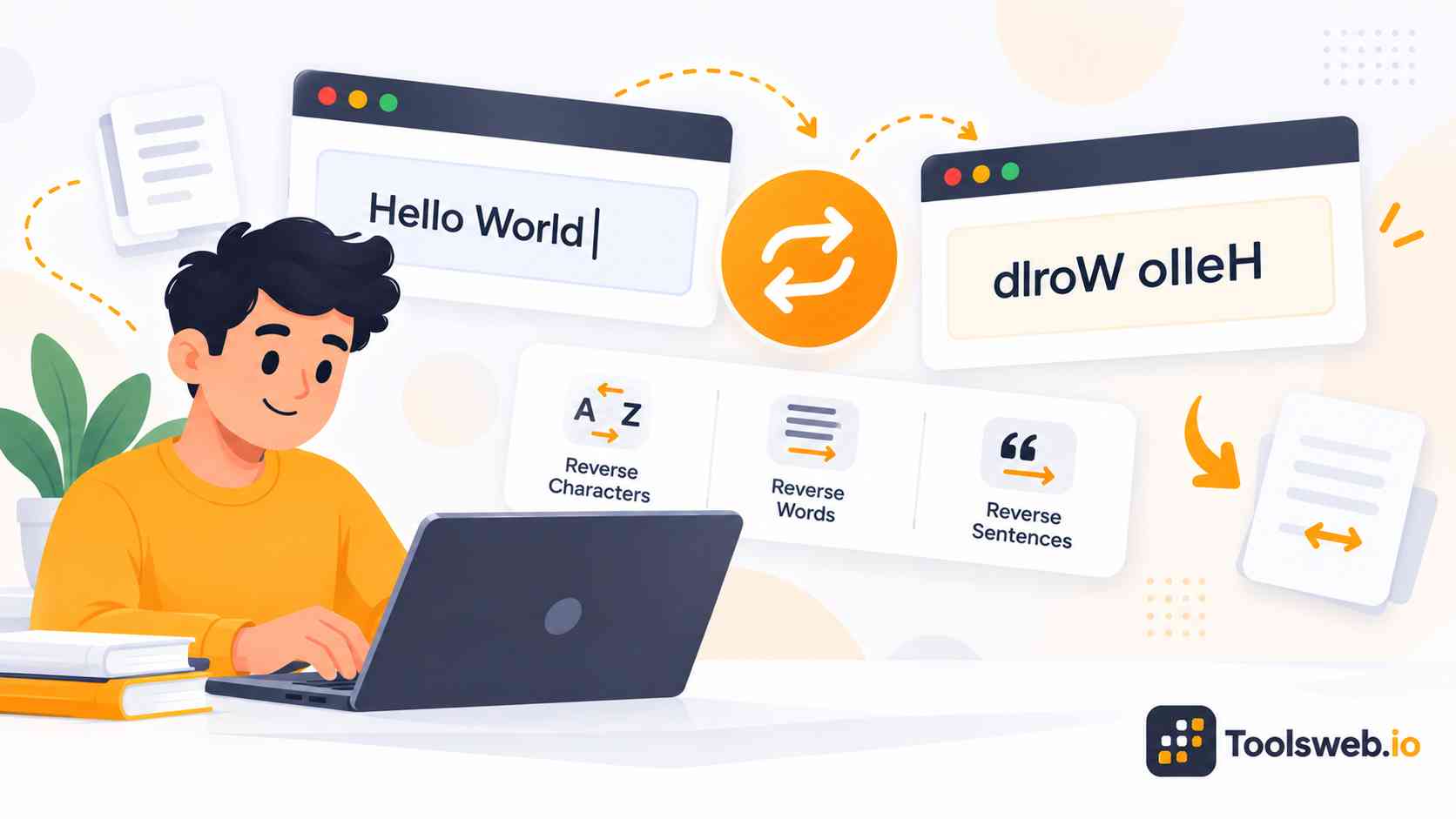
Reverse text by characters, words or sentences.

Character.tset a si sihT !dlroW olleH
Wordtest. a is This World! Hello
Sentence. This is a test.Hello World
Recent Reversals
Nothing here yetYour recent activity will appear here
28 chars

A Reverse Text Generator helps you flip, reverse, or mirror text in seconds. You can create backwards words, mirrored usernames, upside down text, and fun Unicode styles for social media, gaming, chatting, and creative projects.

What is a Reverse Text Generator?

Reverse text means text that appears in the opposite order from normal writing. The tool flips characters, words, or full sentences from right to left.

For example, the word “hello” becomes “olleh.” Many users call this backwards text or reversed writing.

How Backwards Text Works
A backwards text tool reads your text from the last character to the first character. It then creates a reversed version instantly. Most tools use string processing and Unicode character mapping to handle letters, numbers, and symbols correctly.

For example, “hello” reversed becomes “olleh,” while mirrored text may look like unusual Unicode symbols or reflected characters.

Common Reverse Text Mistakes

Common reverse text mistakes include confusing reversed text with mirrored text, using unsupported Unicode characters, encountering copy-paste formatting issues, and reversing complex emoji sequences incorrectly. These problems can lead to broken characters, display errors, or inconsistent formatting across different apps, fonts, and platforms.

Privacy and Security

Most reverse text generators process text directly in your browser, helping improve privacy and performance. User input is typically not stored permanently, and no account registration, software installation, or file upload is required, allowing text to be reversed quickly with minimal data exposure.

How Reverse Text Generators Work
Reverse text generators use browser-based algorithms and Unicode character mapping to transform text instantly. They can reverse character order, convert letters into mirrored or flipped Unicode symbols, and generate stylized text effects. Most tools process text locally in the browser, providing fast results without requiring software installation or account registration.

How to Use our Reverse Text Generator

This online Reverse Text Generator reverses text by characters, words, or sentences instantly.

Step 1

Enter Your Text

Type or paste the text to reverse.

Step 2

Choose a Reversal Mode

Select character, word, or sentence reversal.

Step 3

View the Results

Copy the reversed text with one click.

Step 4

Copy the Output

Copy the result with one click.

Features of the Reverse Text Generator

This tool provides multiple text reversal methods for writing, analysis, testing, and content manipulation.

Character Reversal

Reverse every character in the text from end to beginning while preserving the overall content.

Word Reversal

Reverse the order of words while keeping the characters within each word unchanged.

Sentence Reversal

Reverse the order of sentences while maintaining the words within each sentence.

Multiple Output Views

View different reversal types from a single input without manually processing the text multiple times.

Instant Processing

Generate reversed text immediately after entering content.

One Click Copy

Copy reversed text instantly for use in documents, applications, or messages.

Character Counter

Monitor the length of the entered text with the built-in character counter.

Recent Reversal History

Access recently reversed text for easier reference and workflow management.

Browser Based Tool

Reverse text directly in your browser without installing additional software.

Types of Text Reversal

Character Based Reversal
Reverses every character in the entire text string.

Word Based Reversal
Changes the order of words while preserving each word's spelling.

Sentence Based Reversal
Rearranges sentence order while keeping sentence content intact.

Examples of Backwards Text

These examples show how reverse text transformations work with words, sentences, usernames, and stylish content.

Reverse Simple Words
Formula: Normal Word → Reverse Character Order

“hello” → “olleh”
“gaming” → “gnimag”

Reverse Full Sentences
Formula: Full Sentence → Reverse All Characters

“Text tools are fun” → “nuf era sloot txeT”

Generate Mirrored Usernames
Formula: Username → Unicode Mirror Conversion

“ShadowPlayer” → “ɿɘγɒlPwobɒʜƧ”

Create Fun Social Media Text
Formula: Standard Text → Stylish Reversed Unicode Text

“Weekend vibes” → “sɘdiv bɒbnɘɘW”

Create Stylish Gaming Names
Formula: Gaming Name → Mirrored or Flipped Characters

“DragonKing” → “ǫniKnogɒɿᗡ”

Uses of Reverse Text

People use reverse text tools for entertainment, design, communication, and online identity customization. These tools help users create unique and eye catching text styles.

Social Media Posts and Bios

Reverse text helps social media users create unique captions and profile bios. Stylish mirrored text also grabs attention in comments and usernames.Many creators use reversed writing to make their content look different from standard posts. Decorative text styles improve visual engagement on platforms like Instagram and TikTok.

Creative Writing and Art

Writers and digital artists use reversed text for visual storytelling and typography projects. Mirrored writing can create mystery, humor, or artistic effects.Designers also combine flipped Unicode symbols with graphic elements for posters, logos, and digital art layouts.

Gaming Usernames and Profiles

Gamers use backwards text and mirrored characters to create stylish usernames. Unique names stand out in multiplayer games and streaming communities.Reverse text also helps players create memorable gamer tags for platforms like Discord and Twitch.

Fun Messaging with Friends

People often use reversed writing in jokes, hidden messages, and funny chats. Backwards text creates playful conversations in messaging apps.Friends also use mirrored text to surprise others with unusual formatting and creative text effects.

Data Encoding and Obfuscation

Some users reverse text to make messages less readable at first glance. This method adds simple text obfuscation without encryption.Developers and technical users sometimes use reversed strings during testing, debugging, or text manipulation experiments.

Meme and Trend Content Creation

Meme creators use upside-down and mirrored text to create funny internet content. Stylish reversed text often appears in viral social media trends.Creative formatting also helps content stand out in crowded feeds and online communities.

Reverse Text vs Mirrored Text

Reverse text and mirrored text look similar, but both styles work differently. One changes text order, while the other changes visual appearance.

What is Reverse Text?

Reverse text flips the order of letters or words from end to beginning. It keeps the original character shapes unchanged.

For example, “online tool” becomes “loot enilno.” The text remains readable after reversing the sequence.

What is Mirrored Text?

Mirrored text converts standard characters into visually flipped Unicode symbols. It creates a reflected text appearance. This style focuses more on visual design than simple character reversal. Many users choose mirrored text for aesthetic formatting.

Visual Differences Between Both Styles

Reverse text changes reading direction but keeps normal letters. Mirrored text changes how letters visually appear. Backwards text looks simpler, while mirrored Unicode text often looks more decorative and artistic.

Best Uses for Each Text Style

Reverse text works well for hidden messages, jokes, and playful writing. It also helps with text manipulation and string testing. Mirrored text works better for stylish usernames, aesthetic captions, and decorative social media content.

Who Should Use This Tool?

This reverse text generator works well for beginners, creators, gamers, students, and casual internet users. Anyone can create stylish text in seconds without technical knowledge.

Social Media Users

Social media users can create eye-catching bios, captions, and stylish comments with reversed and mirrored text.

Gamers and Streamers

Gamers and streamers can build unique usernames, clan tags, and creative profile names.

Designers and Artists

Designers and artists can use flipped typography and mirrored Unicode symbols in visual projects.

Writers and Bloggers

Writers and bloggers can create fun headings, hidden text, and creative formatting styles.

Students and Casual Users

Students and casual users can experiment with backwards writing for learning, fun, and entertainment.

Frequently Asked Questions

This section answers common questions about reverse text generators, mirrored text, Unicode formatting, and backwards writing tools.

Related Text Tools

Word Counter

Featured

Count words, characters, paragraphs, and reading time instantly.