Small Text Generator
Convert text to subscript, superscript, or small caps using Unicode characters.
8/11 converted
Output
ₕₑₗₗₒ Wₒᵣₗd
Recent
Nothing here yetYour recent activity will appear here
⌘CCopy⇧⌘XClear
subscript⌘KMenu
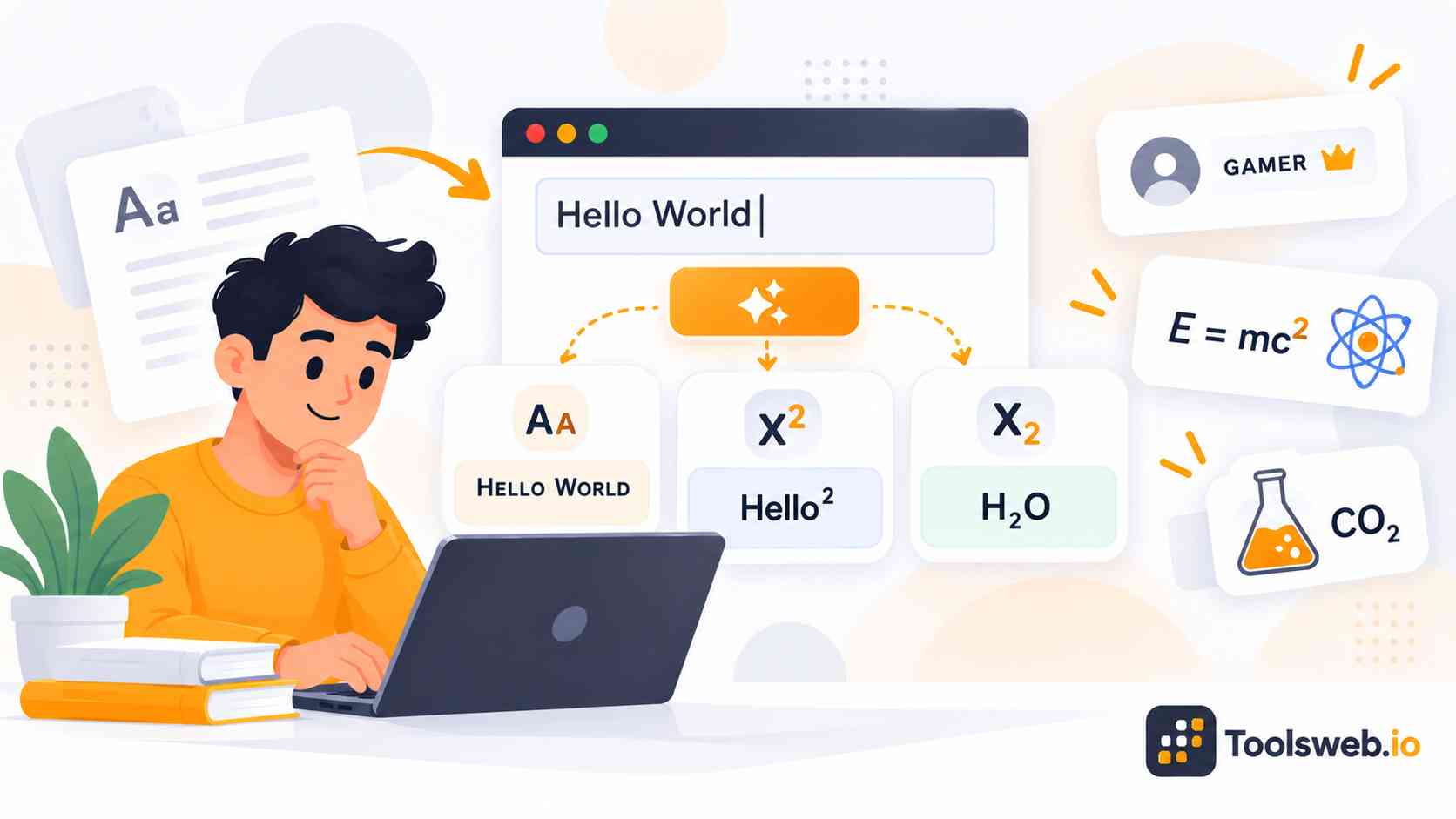
How can you use our Small Text Generator?
Our Small Text Generator quickly converts your text into subscript, superscript, or small caps.
Step 1
Enter Your Text
Type or paste the text you want to convert.
Step 2
Choose a Text Style
Select subscript, superscript, or small caps for your text.
Step 3
Copy Result
Copy your converted small text for future use.
Step 1
Enter Your Text
Type or paste the text you want to convert.
Step 2
Choose a Text Style
Select subscript, superscript, or small caps for your text.
Step 3
Copy Result
Copy your converted small text for future use.
Features of Our Small Text Generator
Our Small Text Generator offers Unicode styles, quick copying, and simple conversion. Create small text without special fonts.
Small Caps Generator
Create compact uppercase-style text with our Small Caps Generator. Use it for usernames, profile names, captions, headings, and social text.
Superscript Generator
Turn supported letters and numbers into raised Unicode characters with our Superscript Generator. Use them for formulas, notes, or text.
Subscript Generator
Create lower Unicode characters with our Subscript Generator. Use them for formulas, chemical notation, technical writing, or designs.
Unicode Based Text Conversion
Our Unicode conversion uses special characters that can look smaller than normal letters. The result works without changing your device font.
Copy Generated Text
Copy your generated small text with one quick action. Paste it into supported social platforms, chats, profiles, or documents.
Works Without Installing a Font
The generator uses Unicode characters instead of a downloadable font file. Copy the result and use it where your platform supports them.
Where Can You Use Small Text?
Use small text for profiles, usernames, captions, messages, websites, presentations, and designs. Test it before sharing.
Social Media
Add small Unicode text to supported social posts, profiles, comments, and captions. Test each platform because character support can vary.
Usernames and Profile Names
Use small text in usernames, profile names, gamer tags, and social handles where supported. Keep names readable and test platforms.
Captions and Bios
Add small text to captions and bios for a compact style. Keep key information in normal text so readers can understand it easily.
Messages and Chats
Paste small Unicode text into supported messages and chats. Check the result after sending because some apps may show boxes.
Websites and Blogs
Use small text for decorative website or blog elements when appropriate. For important content, use normal HTML text instead of Unicode.
Presentations and Slides
Use small text in presentations and slides for labels, notes, or decoration. Keep body text large and readable for your audience.
Artistic Text and Designs
Use small Unicode text in artistic text, designs, and creative projects. Combine styles carefully and keep essential words standard.
Small Text vs Small Caps vs Superscript vs Subscript
Small caps, superscript, and subscript all create smaller-looking text, but each style changes the position or shape of characters differently.| Style | How It Looks | Best Use | Main Limitation |
|---|---|---|---|
| Small Caps | Smaller uppercase-style letters | Usernames, captions, headings | Not every character has a matching form |
| Superscript | Smaller characters above the line | Powers, notes, references | Some letters and symbols may not convert |
| Subscript | Smaller characters below the line | Formulas, chemical notation | Unicode support varies by character |
| Normal Text | Standard readable characters | Website content and important messages | Does not create a small visual effect |
Explore ToolsWeb More Text Tools
Use free text tools to format, clean, count, convert, encode, decode, and transform text for writing, coding, and daily tasks.
Frequently Asked Questions
These answers explain small text, tiny numbers, platform support, Unicode limits, accessibility, SEO, and privacy before you copy and use your result.