ToolsWebBeta
Launch tool

JPG to PDF

Convert JPG and PNG images to PDF documents with customizable settings.

Drop images here or click to browse

Supports JPG, PNG, WebP · Max 20 files · Max 50 MB

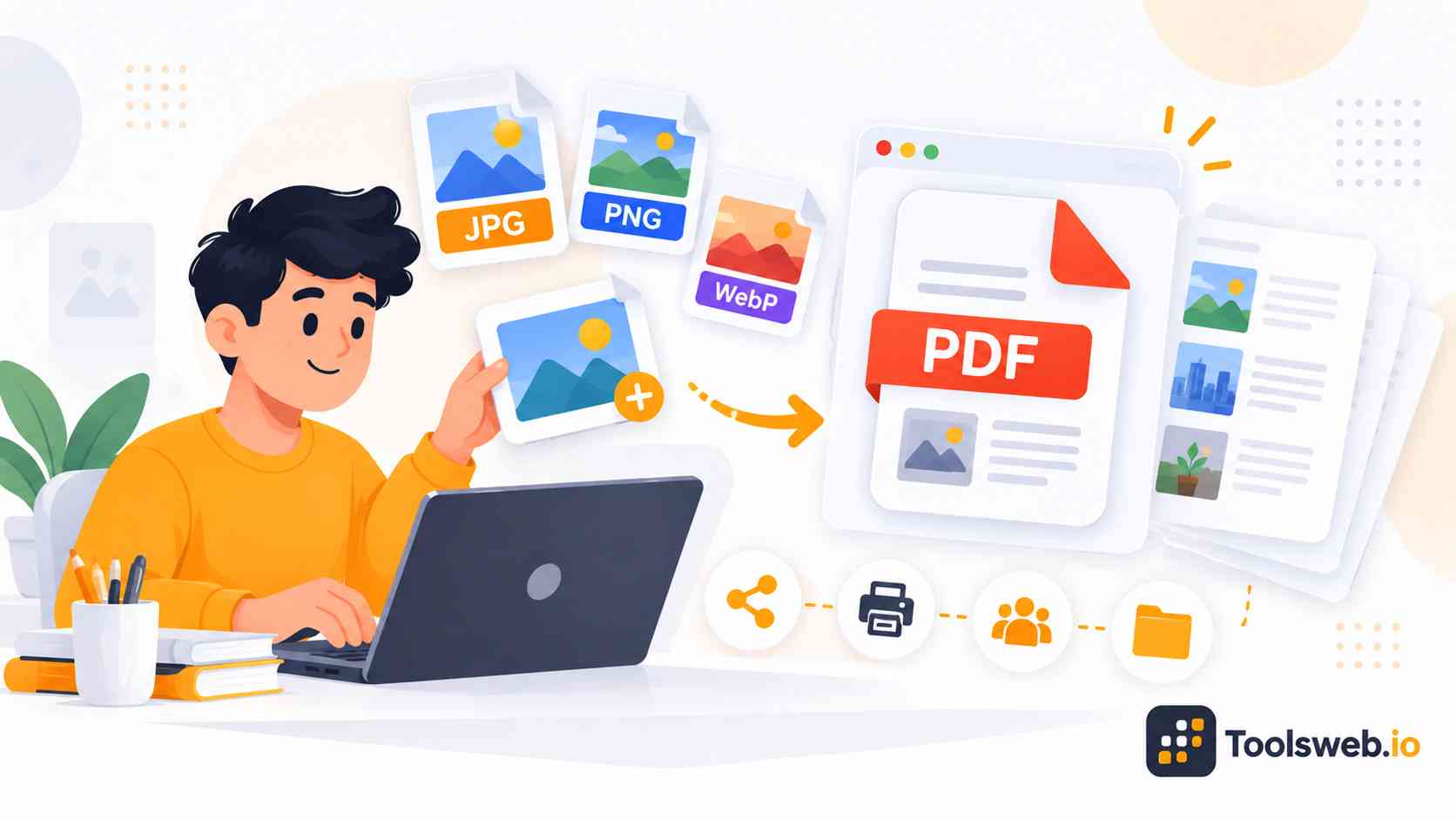
Convert JPG images into high-quality PDF files in seconds with our free online tool. This browser-based JPG to PDF converter helps you merge photos, scanned documents, screenshots, and image files into a secure and shareable PDF format. It works smoothly on desktop and mobile devices without software installation.

Turn JPG and JPEG images into organized PDF documents with a simple upload and conversion process. Our online converter supports multiple image uploads, high-resolution PDF output, and secure file processing for everyday document needs.

Supported Image Formats:

JPG
JPG is one of the most widely used image formats for photographs and digital images. It offers a balance between image quality and file size.

PNG
PNG supports high-quality images and transparency, making it useful for graphics, screenshots, and web assets.

WebP
WebP provides efficient image compression while maintaining good visual quality. It is commonly used for modern websites and digital content.

How to Convert JPG to PDF

This online JPG to PDF tool converts image files into PDF documents quickly and easily.

Step 1

Upload JPG Images

Upload the images you want to convert.

Step 2

Add Multiple Files

Add one or more image files.

Step 3

Convert to PDF

The tool creates a PDF automatically.

Step 4

Download the PDF

Save the generated PDF to your device.

Features of Our JPG to PDF Converter

This tool simplifies image-to-PDF conversion for personal, educational, and professional use.

Supports Multiple Image Formats

Convert JPG, PNG, and WebP images into PDF documents from a single interface.

Batch File Conversion

Upload multiple images and combine them into a single PDF file for easier document management.

Drag-and-Drop Upload

Quickly add files by dragging them into the upload area or selecting them manually.

Fast PDF Generation

The converter processes images efficiently and generates PDF files within seconds.

Multiple File Support

Upload up to 20 image files in a single conversion session.

Large Upload Capacity

The tool supports a total upload size of up to 50 MB, making it suitable for larger image collections.

Benefits of Converting JPG to PDF

JPG to PDF conversion improves document sharing, storage, and printing. PDF files also create a cleaner and more professional viewing experience.

Easy File Sharing

PDF files work smoothly across different devices and operating systems. Users can send one organized document instead of multiple image files. PDF formatting also helps maintain consistent document appearance during email or cloud sharing.

Better Document Organization

A single PDF file keeps related images together in one place. This makes digital document management easier for work, school, or personal use. Users can also archive scanned papers, invoices, and reports more efficiently.

Smaller and Portable File Format

PDF documents often reduce file handling problems during uploads or sharing. The format also supports portable document workflows across devices. Compressed PDF files help users save storage space while keeping content accessible.

Combine Images into a Single PDF

Users can merge multiple JPG images into one professional document. This improves readability and reduces document clutter. The feature works well for scanned contracts, presentations, and photo collections.

Why Use Our Online JPG to PDF Tool?

Our converter focuses on speed, simplicity, security, and image quality. It helps beginners and intermediate users create PDFs without technical knowledge.

Free JPG to PDF Converter

Convert JPG images into PDF files online without registration or hidden costs.

Fast and Easy Conversion Process

Upload, convert, and download PDF documents within seconds using a simple workflow.

Maintain Original Image Quality

The converter preserves image sharpness and supports high-resolution PDF output.

Compatible with all devices

Use the tool across desktop and mobile devices with full browser compatibility.

No Watermarks on Converted PDFs

Download clean PDF files without branding or unwanted watermarks.

Frequently Asked Questions

Many users want quick answers about PDF conversion quality, device compatibility, and file security. These common questions explain how the tool works.

Other Related Tools