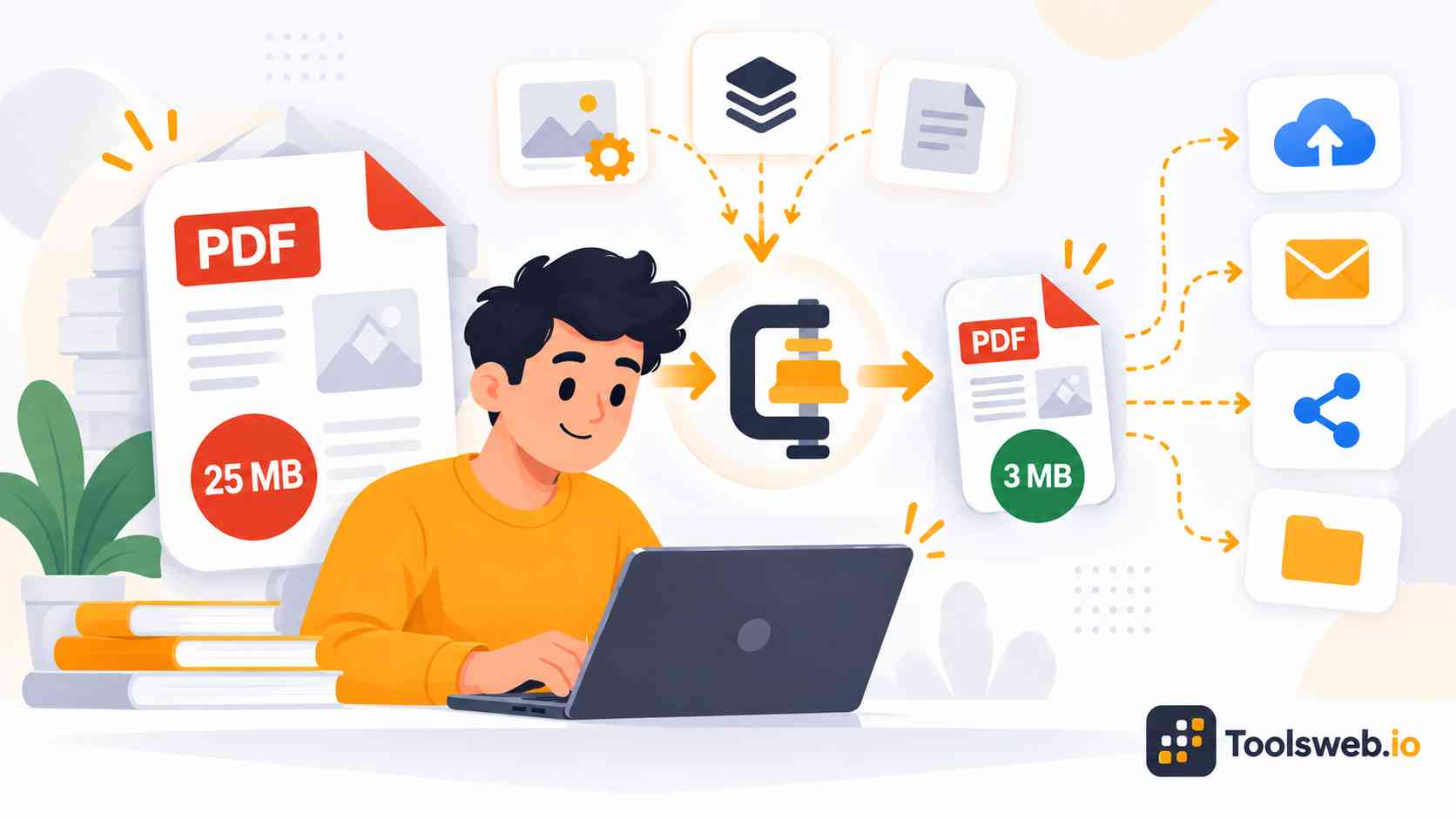
A PDF compressor helps you reduce PDF file size without making your document hard to read. You can compress PDFs online in seconds and share, upload, or store them more easily.
PDF Compressor
Reduce PDF file size by removing metadata and optimizing document structure.
Drop PDF file here or click to browse
Supports PDF files · Max 100 MB
How to Compress a PDF Online
This online PDF Compressor helps reduce PDF file size for easier sharing, storage, and document management.
Upload a PDF File
Upload the PDF you want to compress.
Start Compression
The tool reduces the file size automatically.
Review the Result
Check the compressed PDF and size reduction.
Download Compressed PDF
Save the optimized PDF to your device.
Upload a PDF File
Upload the PDF you want to compress.
Start Compression
The tool reduces the file size automatically.
Review the Result
Check the compressed PDF and size reduction.
Download Compressed PDF
Save the optimized PDF to your device.
Features of Our PDF Compressor Tool
This tool simplifies PDF optimization while maintaining document usability.
PDF File Compression
Reduce PDF file sizes to make documents easier to upload, share, and store.
Drag-and-Drop Upload
Add PDF files quickly by dragging them into the upload area or selecting them manually.
Fast Processing
The tool compresses PDF documents efficiently and generates optimized files within seconds.
Supports Large PDF Files
Upload PDF files up to 100 MB for compression.
Easy-to-Use Interface
A simple workflow allows users to compress PDF files without technical knowledge.
Download Optimized PDFs
Save compressed documents directly to your device after processing.
Common Uses for PDF Compression
People use PDF compression for work, education, business, and personal tasks every day. Smaller files improve sharing, storage, and online document handling.
Compress PDFs for Email
Large PDF files often exceed email attachment limits. Compression reduces file size and makes documents easier to send.Compressed PDFs also download faster for recipients. This improves communication and file accessibility.
Optimize PDFs for Websites
Website owners use compressed PDFs to improve page loading speed. Smaller downloadable files create a better user experience.PDF optimization also supports storage efficient websites and faster document access. This helps improve overall site performance.
Reduce PDF Size for Upload Limits
Many portals and forms accept only limited file sizes. Compression helps users upload PDFs without errors or rejection.This process works well for job applications, government forms, and online submissions. Smaller files also upload faster on slower internet connections.
Archive Large PDF Documents
Businesses and organizations often store large collections of PDFs. Compression helps reduce storage costs and improve digital file organization.Compressed archival files remain easier to manage and transfer. This improves long-term document handling workflows.
Compress Educational and Office Files
Students and office workers frequently share reports, presentations, and scanned documents. PDF compression makes these files easier to upload and distribute.Compressed educational files also improve collaboration between teachers, teams, and clients.
Share PDFs on Messaging Apps
Compressed PDF files become easier to share through WhatsApp, Telegram, Slack, and other messaging platforms. Smaller documents upload faster, consume less bandwidth, and improve file sharing on mobile devices and slower internet connections.
Why Use Our Online PDF Compressor?
Our tool offers a simple and reliable way to reduce PDF size online. It supports both beginners and professional users with fast and secure processing.
Free PDF Compression Tool
You can compress PDF files online for free without hidden charges.
No Software Installation Required
The tool works fully in your browser without downloading extra programs.
Works on all devices
You can compress PDFs on almost every modern device and operating system.
Compress PDFs in Seconds
Fast processing helps users save time during uploads and sharing.
Trusted and Secure Processing
Secure file handling protects document privacy and improves user trust.
Frequently Asked Questions
Many users want to know how online PDF compression works, how secure it is, and whether compressed files keep good quality. These answers explain the most common questions clearly.
Other Related Tools
JPG to PDF
Convert JPG and PNG images to PDF documents with customizable settings.
PDF Rotator
Rotate PDF pages 90°, 180°, or 270° clockwise or counter-clockwise.
PDF Splitter
Split PDF documents by page range or extract specific pages into separate files.
Robots.txt Generator
Generate robots.txt files with user-agent rules, sitemap, and crawl directives.
Roman Numeral Converter
Convert between Roman numerals and decimal numbers.
Calorie Calculator
Estimate daily calorie needs based on age, weight, height, and activity level.