What is a PDF rotator?
A PDF rotator changes page direction without changing the document content. You can fix sideways, upside down, or mixed pages and save a correctly oriented PDF for easy reading, sharing, and design work.
Drop PDF file here or click to browse
Supports PDF files · Max 100 MB
A PDF rotator changes page direction without changing the document content. You can fix sideways, upside down, or mixed pages and save a correctly oriented PDF for easy reading, sharing, and design work.
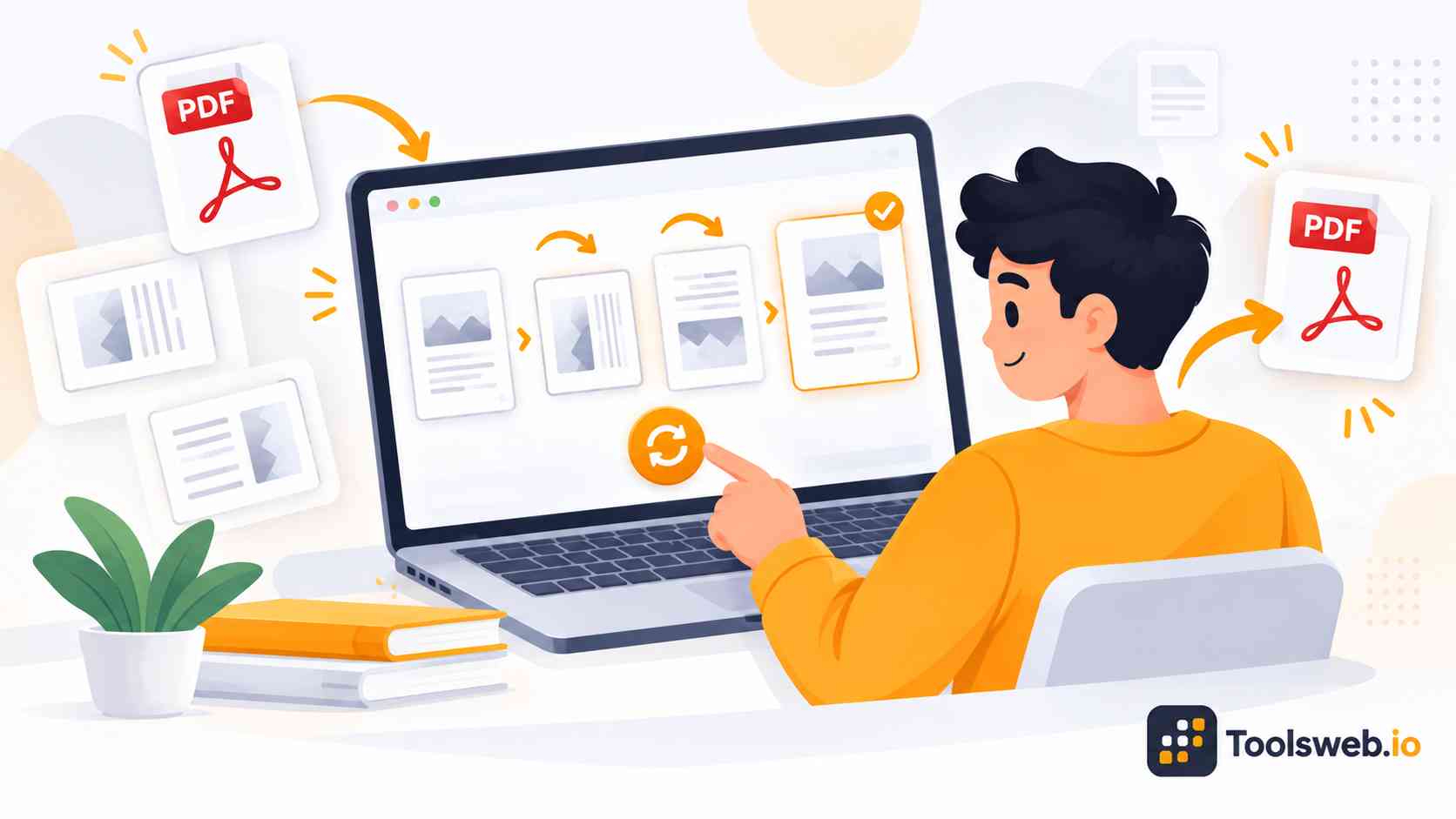
A PDF rotator changes page direction without changing the document content. You can fix sideways, upside down, or mixed pages and save a correctly oriented PDF for easy reading, sharing, and design work.
Drop your PDF file into the upload area or click to browse.
Select the pages and rotate them clockwise or counter-clockwise.
Download your rotated PDF file for future use.
Drop your PDF file into the upload area or click to browse.
Select the pages and rotate them clockwise or counter-clockwise.
Download your rotated PDF file for future use.
ToolsWeb gives you a fast, free way to fix PDF page orientation without extra software. It suits quick document and design tasks.
Rotate PDF pages without paying for basic use. The simple interface helps you fix a document quickly when only a few pages need attention.
Turn PDF pages by 90°, 180°, or 270° to match the correct reading direction. Choose the angle that fits your document.
Rotate PDF pages clockwise or counterclockwise to fix their viewing direction. This helps correct pages scanned or saved the wrong way.
Use the PDF Rotator on desktop, tablet, or mobile devices. A browser lets you fix PDF pages without a dedicated app.
Rotate PDF pages online without installing PDF editing software. The tool handles the rotation task without a separate desktop editor.
A PDF rotator helps correct page direction for reading, sharing, printing, and design projects. It can also fix scanned PDF files.
Turn sideways PDF pages to the correct reading direction. This works well for scanned documents, reports, forms, and design files.
Change a landscape page to the direction you need for viewing. Rotate the page when its content appears sideways or incorrectly aligned.
Correct scanned document orientation when pages appear sideways or upside down. Rotation keeps scanned content while fixing its direction.
Rotate one PDF page without changing the rest of the document. This helps when only one page has the wrong orientation.
Correct mixed page layouts by rotating only the pages that need adjustment. Keep the remaining pages in their original orientation.
PDF rotation changes a page's direction, while flipping mirrors its content. Choose rotation for orientation problems and flipping for mirrored designs.
Feature | PDF Rotation | PDF Flipping |
|---|---|---|
Main purpose | Changes page direction | Mirrors page content |
Common use | Fixes sideways pages | Creates a mirrored design |
Page direction | Turns pages by an angle | Keeps the same angle |
Typical options | 90°, 180°, 270° | Horizontal or vertical |
Best for designers | Fixing page orientation | Creating mirrored layouts |
Note: Rotate pages when you need a new viewing direction. Flip pages when you need a mirrored version of the original content. Choose the option that matches your design goal.
Use free PDF tools to split, merge, compress, convert, rotate, and manage documents quickly without installing any software.
These answers cover PDF rotation, page selection, devices, file limits, safety, orientation, and common rotation angles.