ToolsWebBeta
Launch tool

PDF Splitter

Split PDF documents by page range or extract specific pages into separate files.

Drop PDF file here or click to browse

Supports PDF files · Max 100 MB

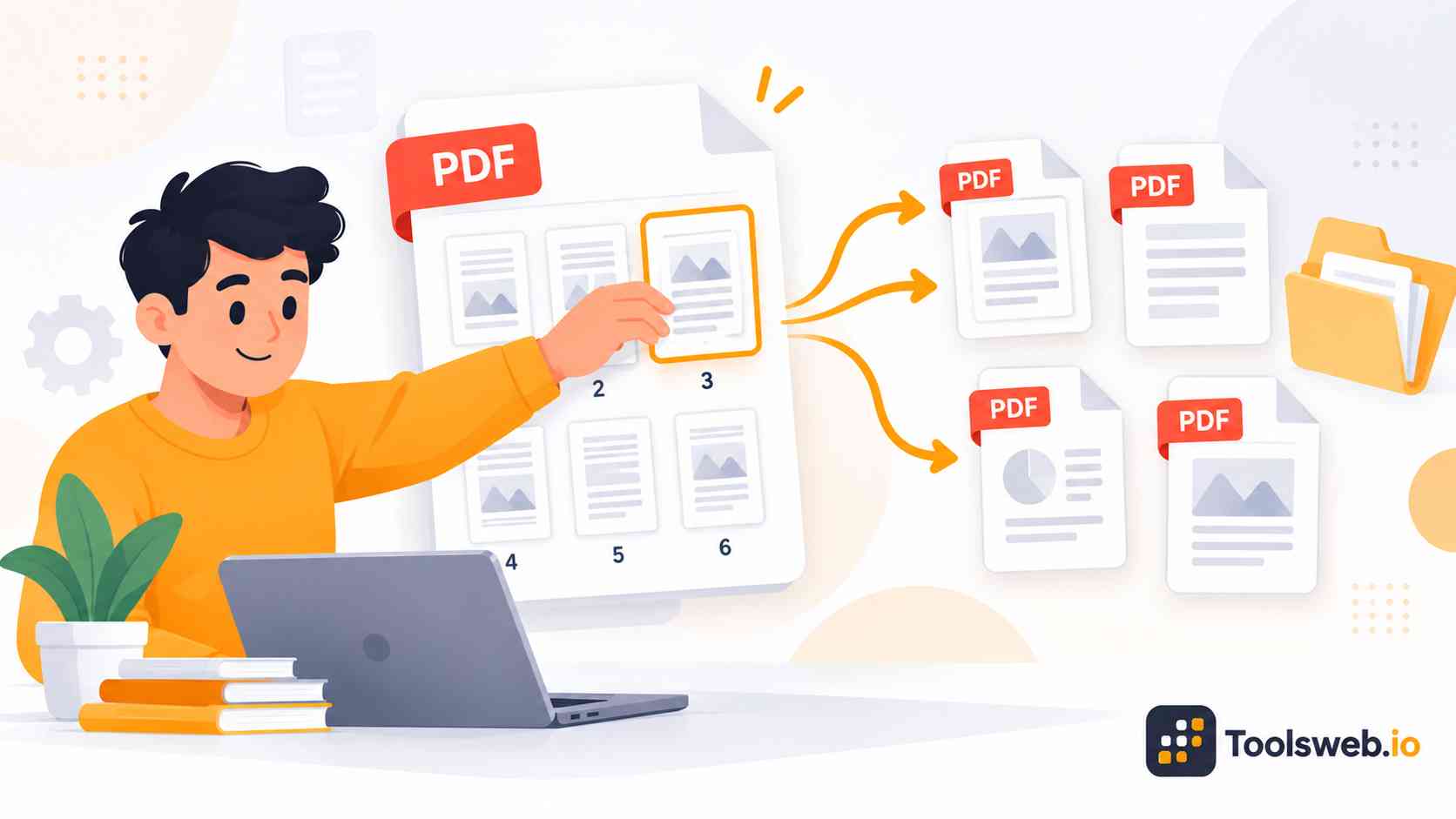
A PDF Splitter helps you divide large PDF files into smaller sections in seconds. You can extract pages, split page ranges, and organize documents online without losing formatting or quality.

Our online PDF splitter lets you separate PDF pages quickly from any device. You can split documents by page range, extract selected pages, and download clean PDF files without installing software.

How to Split a PDF

This online PDF Splitter helps you separate large PDF documents into smaller files based on page ranges or selected pages.

Step 1

Upload a PDF File

Upload the PDF you want to split.

Step 2

Select Pages or Page Range

Choose the pages to extract.

Step 3

Split the PDF

The tool creates separate PDF files automatically.

Step 4

Download the Result

Save the extracted PDF files to your device.

Features of Our PDF Splitter Tool

This tool makes it easy to divide PDF documents into smaller and more manageable files.

Split PDFs by Page Range

Extract a specific range of pages from a PDF document without affecting the original content.

Extract Individual Pages

Create separate PDF files from selected pages when only certain sections are needed.

Supports Large PDF Files

Upload PDF documents up to 100 MB in size for splitting and extraction.

Drag-and-Drop Upload

Add files quickly using drag-and-drop functionality or manual file selection.

Fast PDF Processing

The tool separates pages efficiently and generates output files within seconds.

Preserves Document Quality

Split PDF files while maintaining the original formatting, text, and page layout.

Common Uses of a PDF Splitter

People use PDF splitters for school, business, legal work, and document management. The tool helps users organize files and share information more efficiently.

Share Only Important Pages

Users can extract only the relevant pages from large PDF documents. This makes file sharing faster and more professional. Sending smaller PDFs also improves email delivery and upload speed. It reduces confusion for clients, students, and teams.

Organize Large PDF Documents

Large PDFs often become difficult to manage and review. Splitting files into smaller sections improves document organization. Users can create categorized files for easier storage and navigation. This helps with workflow management and productivity.

Extract Invoices, Contracts, or Reports

Businesses often separate invoices, contracts, and reports from large PDF bundles. This simplifies record keeping and document access.The tool helps users isolate important files without editing the original document. It saves time during daily office tasks.

Separate Scanned Documents

Scanned PDF files often contain multiple pages combined into one document. A PDF splitter helps separate them into individual files.This feature works well for forms, receipts, and archived paperwork. Users can organize scanned documents more effectively.

Why Use Our Online PDF Splitter?

Our browser based PDF splitter focuses on speed, simplicity, privacy, and high-quality output. It helps users manage documents efficiently without technical skills.

Easy to Use Interface

The interface keeps the splitting process simple for beginners and experienced users. Clear controls make page selection fast and accurate.Users can upload, preview, split, and download PDFs without confusion. The workflow remains smooth on both desktop and mobile devices.

Free PDF Splitting Tool

The tool allows users to split PDF files online for free. You can access core features without subscriptions or hidden costs.Free access helps students, freelancers, and businesses manage documents more affordably. It also removes barriers for quick file editing tasks.

Safe and Private File Handling

Secure document handling protects uploaded files during processing. Browser-based processing adds another layer of privacy protection.The system removes files automatically after completion. This helps maintain document confidentiality and user trust.

Supports Large PDF Files

The tool handles large PDF documents efficiently with stable processing performance. Users can split manuals, reports, and presentations without issues.Large file support helps businesses and professionals manage heavy document workflows. It also improves productivity for office tasks.

PDF Splitter for Different Users

Different users need PDF splitting for different tasks. Our tool supports education, business, legal work, and remote collaboration efficiently.

Students

Students can separate study notes, assignments, and eBooks into smaller organized PDF files.

Teachers and Educators

Teachers can extract worksheets, lesson plans, and exam pages for easier classroom sharing.

Legal Teams

Legal professionals can split contracts, agreements, and case documents quickly for better organization.

Businesses and Offices

Offices can manage invoices, reports, presentations, and records more efficiently with organized PDF sections.

Freelancers and Remote Workers

Freelancers can prepare smaller client-ready documents for faster uploads and easier file sharing.

Frequently Asked Questions

Many users want quick answers before splitting PDF files online. These FAQs explain the most common questions about PDF page separation and document handling.

Other Related Tools