Base64 Decoder

Use our Base64 Decoder to turn Base64 strings into readable text fast. Decode standard or URL safe Base64, inspect API data, check tokens, and copy the result. All online for you.
Output
Recent Conversions
Nothing here yetYour recent activity will appear here
0 bytes

What is Base64?

Base64 is a text encoding format that turns binary data into safe text. Developers use it for APIs, files, email, tokens, and web content. It does not encrypt data. It carries binary data through text.

What is Base64 Decoding?

Base64 decoding reverses encoded data back into its original bytes or readable text. A decoder reads each Base64 character and rebuilds the stored data. The output may contain text, bytes, or file data.
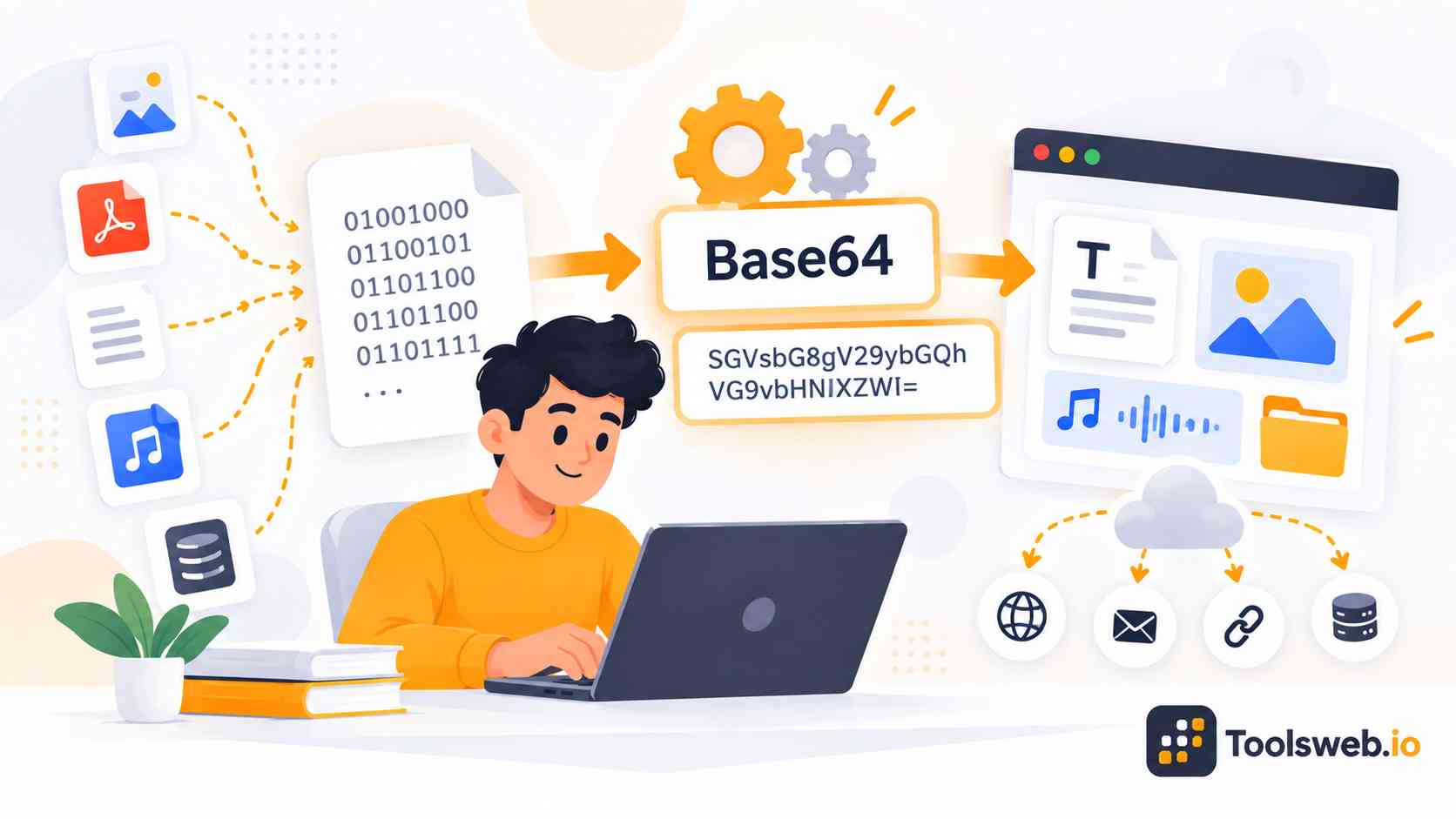

Base64 Decoder converting Base64 encoded data back into readable text and digital content for easy use and processing.

How can you use our Base64 Decoder?

Our Base64 Decoder converts Base64 strings back into readable plain text quickly. Paste your data, decode it, enable URL Safe when needed, then copy the result. No manual conversion steps are required.

Step 1

Enter Your Base64 String

Type or paste the Base64 string you want to decode.

Step 2

Choose Decode

Select Decode to convert the Base64 string into readable text.

Step 3

Enable URL Safe

Turn on URL Safe when decoding URL-safe Base64 strings.

Step 4

Copy Result

Copy the decoded text for future use.

How Does a Base64 Decoder Work?

A Base64 decoder maps encoded characters back to bytes, then rebuilds readable data when the selected character set supports it.

Base64 Character Mapping

Base64 uses 64 characters to represent groups of binary data. Each character maps to a six bit value during the decoding process. This fixed alphabet keeps the process consistent now.

Decoding Base64 Data

The decoder reads four Base64 characters at a time. It converts their values into three original bytes, then joins those bytes into the result. This reverses the original Base64 encoding step.

Padding and = Characters

The equals sign shows that the final Base64 group contains fewer bytes. Padding helps the decoder understand how much data remains. It does not represent a secret key. Padding helps restore the correct byte length.

URL Safe Base64 Decoding

Base64URL replaces plus and slash with URL safe characters. It may also remove equals padding, so the decoder must recognize that format. This format is common in JWT and web authentication data.

Practical Base64 Example Before and After

For example, the word “Hello” becomes “SGVsbG8=” in Base64. A Base64 Decoder reads that string and returns “Hello” as plain text. The same process works with API values, tokens, and many web data formats. You can compare both values before testing. Check both values first.

What Can You Decode With a Base64 Decoder?

A Base64 Decoder can handle text and encoded data. Developers decode API payloads, authentication values, logs, email data, and tokens.

Plain Text

Plain text becomes readable again after decoding. This helps when a script, API, or web page stores text as a Base64 string. You can use the result in code, logs, or documentation.

API Payloads

Developers can inspect encoded JSON and other API payloads. Decoding helps reveal the data without manually converting each Base64 character. This can speed up API testing and debugging tasks.

Authentication Data

Base64 often appears in Basic Authentication headers. Decode these values to inspect the username and password format during testing. Never treat decoded Basic Authentication data as secret.

Configuration and Log Data

Logs, environment values, and configuration data may contain Base64 strings. Decoding them can help developers trace errors and understand stored values. Always handle decoded secrets with care.

Email Encoded Data

Email systems can use Base64 for MIME encoded content. Decoding helps developers inspect message parts, attachments, and encoded text. The same method can reveal readable MIME content.

What Can You Decode With a Base64 Decoder: Base64 encoded data converted into readable text and digital content.

JWT Examples

JWT headers and payloads use Base64URL encoding. You can decode them to inspect claims, but decoding does not verify the token signature. Use a separate verifier to check whether a JWT is valid.

Common Base64 Use Cases

Developers use Base64 decoding for APIs, debugging, authentication tests, logs, JWT inspection, email analysis, and configuration.

Base64 API Development and Debugging

Decode API payloads and responses to inspect JSON, text, or other Base64 data during development.

Base64 Log and Trace Analysis

Decode Base64 values in logs and traces to understand requests, responses, and stored debugging data.

Base64 Basic Authentication Testing

Decode Basic Authentication values to inspect their format during API tests and local debugging.

Base64 JWT Inspection

Decode JWT header and payload sections to inspect claims before checking the token signature.

Base64 Email and MIME Analysis

Decode MIME Base64 content to inspect email text, attachments, and encoded message parts.

Base64 Configuration Troubleshooting

Decode Base64 values in configuration files or environment settings when tracing application problems.

Base64 API Integration Testing

Decode sample Base64 values while testing API integrations, payload formats, and response handling.

Base64 Developer Documentation

Add decoded Base64 examples to explain API fields, authentication values, and data formats clearly.

Base64 Educational Demonstrations

Use simple Base64 examples to teach encoding, decoding, character mapping, and binary data basics.

Base64 Data Format Experimentation

Test Base64 strings and formats to understand how text, bytes, URLs, and encoded data behave.

What Is the Difference Between Base64 and Base64URL?

Base64 uses plus and slash characters, while Base64URL uses hyphens and underscores. Base64URL can also omit equals padding. Developers commonly use Base64URL in JWTs and URL based data. Both formats represent binary data as text. Standard Base64 suits general data transfer.

Explore ToolsWeb More Developer Tools

Use free developer tools for coding, formatting, encoding, debugging, and everyday web development tasks, all in one place today.

Frequently Asked Questions

These Base64 Decoder FAQs explain encoding, online decoding, encryption, Base64URL, files, padding, and common developer questions.