ToolsWebBeta
Launch tool

CSS Minifier

Minify CSS by removing whitespace, comments, and redundant characters.

Input CSS
Savings0%
00 bytes
Minified
0 bytes saved

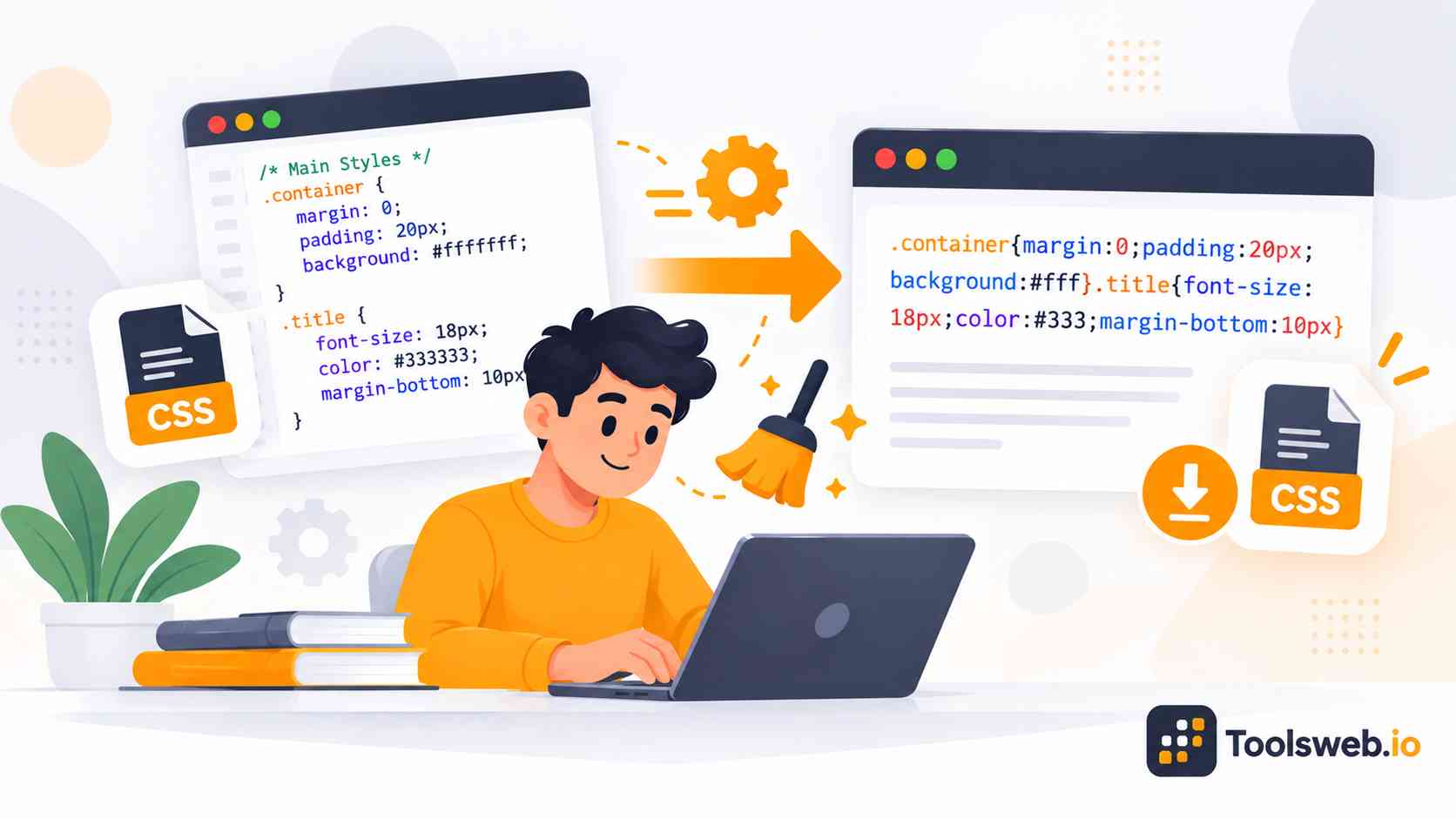
A CSS Minifier helps developers compress CSS code by removing extra spaces, comments, line breaks, and unnecessary characters. This process creates smaller stylesheet files that load faster and improve website performance.

What is CSS Minification?

CSS minification compresses stylesheet code by removing spaces, comments, tabs, and line breaks. The final output stays readable for browsers but becomes difficult for humans to edit manually. Developers often use CSS minifiers during website deployment and build optimization. This process creates lightweight stylesheets that improve loading speed and reduce bandwidth usage.

How CSS Compression Works

A CSS compressor scans the stylesheet and removes unnecessary formatting characters. It also shortens color values, combines rules, and optimizes declarations when possible. Most online CSS minifiers use automated parsing systems to create production-ready CSS. This process keeps the visual design intact while reducing the total file size.

Security and Privacy
This CSS Minifier processes code directly in your browser to provide a fast, secure, and private compression experience. The tool does not permanently store your CSS code, helping developers optimize stylesheets while maintaining control over their data and reducing privacy concerns.

Common CSS Minification Mistakes
CSS minification can sometimes cause styling issues when developers compress invalid code, remove important comments, break responsive media queries, or overlook browser compatibility. Testing optimized CSS before deployment helps ensure websites remain functional, responsive, and visually consistent across different devices and browsers.

How to Use our CSS Minifier

CSS Minifier helps you compress CSS code by removing unnecessary characters and formatting. The tool generates optimized CSS instantly for faster website performance.

Step 1

Paste CSS Code

Enter or paste your CSS code.

Step 2

Minify CSS Instantly

The tool compresses the CSS automatically.

Step 3

Review the Minified Output

View the optimized CSS code.

Step 4

Copy Minified CSS

Copy the compressed CSS for your project.

Features of This CSS Minifier Tool

Online CSS Minifier provides fast and efficient stylesheet optimization directly in your browser.

Instant CSS Minification

The tool compresses CSS code in real time without requiring additional steps. This helps developers optimize stylesheets quickly.

CSS Size Reduction Statistics

The tool displays the original and minified file sizes along with the percentage of space saved after compression.

Browser Based Processing

All CSS minification takes place directly in the browser. Users can optimize stylesheets without installing software or extensions.

Copy Output with One Click

A built in copy button allows users to copy the minified CSS instantly, improving workflow efficiency.

Clean and Developer Friendly Interface

The simple interface makes it easy to paste code, view results, and manage CSS optimization tasks without distractions.

Works on Desktop and Mobile Devices

The responsive design allows users to minify CSS from desktops, laptops, tablets, and smartphones with the same experience.

Benefits of CSS Minification

CSS minification improves website efficiency, frontend performance, and page speed. It also supports better user experience and SEO optimization.

Faster Website Loading Speed

Smaller CSS files load faster across browsers and devices. Faster loading helps reduce waiting time for visitors. Quick loading stylesheets also improve website responsiveness during page rendering.

Reduced CSS File Size

CSS compression removes unnecessary characters and redundant formatting. This process creates lightweight stylesheet files. Smaller files also improve code deployment efficiency for production environments.

Better Website Performance

Optimized stylesheets reduce browser processing overhead during rendering. Websites perform more smoothly on mobile and desktop devices. Better performance also helps websites handle traffic spikes more efficiently.

Improved User Experience

Faster websites keep visitors engaged and reduce bounce rates. Smooth page loading creates a more professional browsing experience. Users can navigate websites more comfortably with optimized frontend assets.

Reduced Bandwidth Usage

Compressed CSS files consume less server bandwidth during delivery. This optimization lowers hosting resource usage. Reduced bandwidth also benefits users with slower internet connections.

Better SEO and Core Web Vitals

Faster page speed supports improved SEO performance and Core Web Vitals scores. Search engines prefer optimized websites with quick loading times. CSS minification also contributes to better mobile performance and usability signals.

CSS Minifier vs CSS Beautifier

CSS Minifiers and CSS Beautifiers serve different purposes in frontend development workflows. Developers often use both tools during separate stages of a project.

What is a CSS Beautifier?

A CSS Beautifier formats stylesheet code with proper indentation and spacing. Developers use beautified CSS to improve readability and editing efficiency. Beautifiers also organize selectors and declarations into cleaner structures. This formatting helps teams maintain code quality during development.

Difference Between Compression and Formatting

CSS compression removes unnecessary characters to reduce file size and improve performance. Formatting focuses on readability instead of optimization. Minified CSS benefits production environments, while beautified CSS supports editing and debugging workflows.

Feature

CSS Minifier

CSS Beautifier

Purpose

Reduces file size for better performance

Improves code readability

File Size

Smaller

Larger

Formatting

Removes spaces and comments

Adds spacing and indentation

Readability

Lower

Higher

Editing

Difficult to edit manually

Easy to edit and maintain

Performance Impact

Improves page speed

No direct impact

SEO Benefits

Supports Core Web Vitals

No direct SEO benefits

Best Use Case

Production websites

Development and debugging

Bandwidth Usage

Lower

Higher

Common Workflow

Before deployment

During development

Who Should Use This Tool?

This online CSS Minifier supports beginners, developers, designers, and website optimization professionals.

Frontend developers

Use this tool to create lightweight and production-ready CSS files quickly.

Web designers

Compress stylesheet assets to improve website speed and user experience.

UI and UX designers

Optimize frontend performance while maintaining clean visual layouts.

SEO and performance specialists

Improve Core Web Vitals and page speed optimization more efficiently.

Students and beginners

Learn CSS optimization concepts with a simple and beginner-friendly workflow.

Frequently Asked Questions

This FAQ section answers common questions about CSS compression, website optimization, and stylesheet performance.