ToolsWebBeta
Launch tool

HTML Formatter

Format and beautify HTML with configurable indentation.

21 lines
340 chars
Input HTML
Formatted
Recent
Nothing here yetYour recent activity will appear here
2sp

An HTML Formatter helps you organize, beautify, and structure HTML code for better readability and easier development. It converts messy or minified markup into clean, properly indented code that developers can review, edit, and maintain efficiently.

What Is an HTML Formatter?

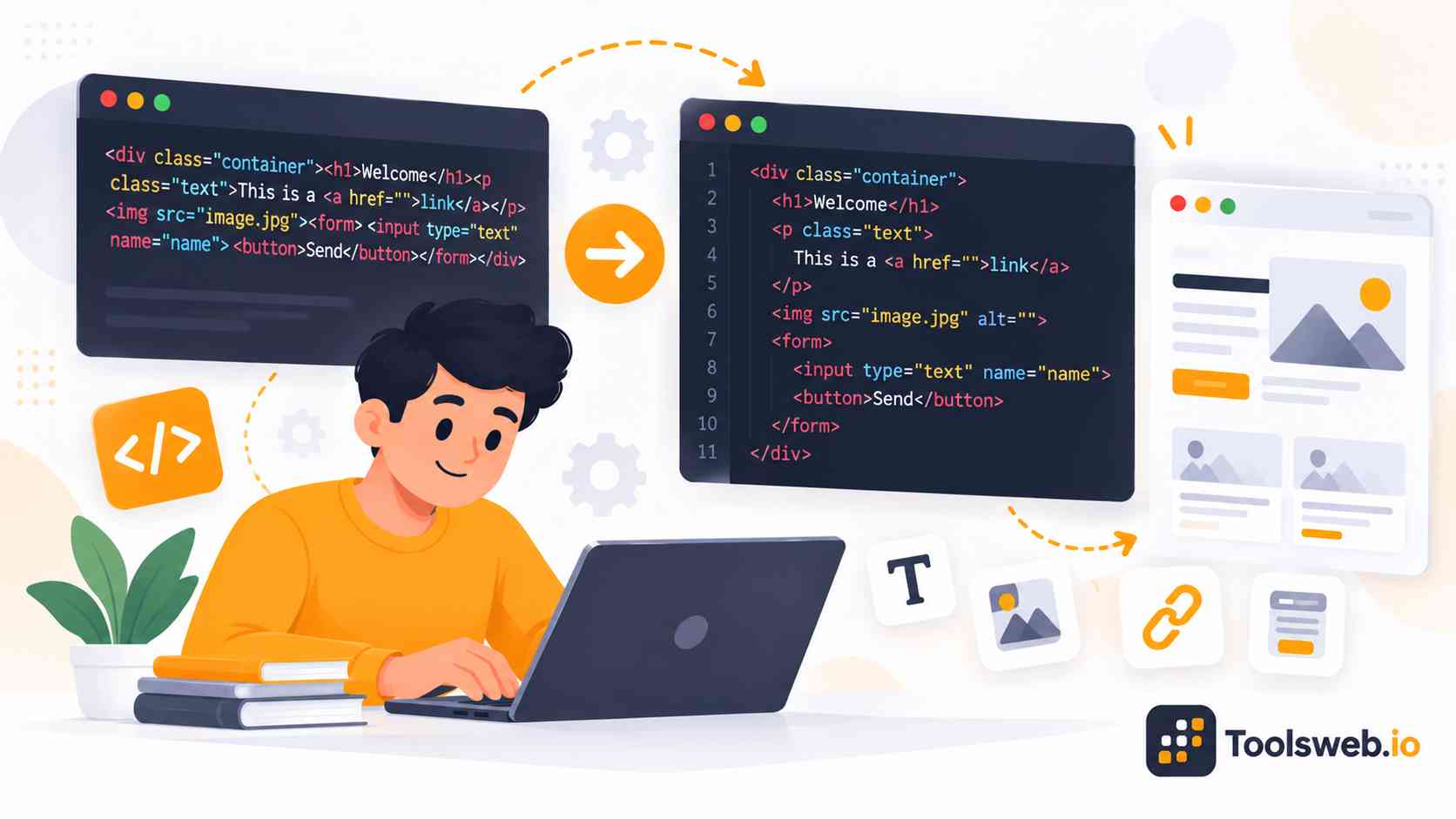
An HTML Formatter is a tool that converts messy, unorganized HTML into a clean and readable structure. It automatically adds proper indentation, spacing, and line breaks, making code easier to understand and manage.

Developers use HTML Formatters to improve code readability, review page structure, and maintain consistent formatting across projects. A well-formatted HTML document is easier to edit, debug, and collaborate on during web development.

How to Use Our HTML Formatter

This tool formats and beautifies HTML code instantly for better readability and organization.

Step 1

Paste HTML Code

Enter or paste your HTML code.

Step 2

Choose Indentation Style

Select your preferred formatting style.

Step 3

View Formatted Output

The tool organizes the code automatically.

Step 4

Copy the Formatted Code

Copy the formatted HTML instantly.

Features of the HTML Formatter

The HTML Formatter helps developers organize HTML markup and maintain clean coding standards.

Automatic HTML Beautification

The tool converts messy or compressed HTML into a clean and readable format while preserving the original structure.

Custom Indentation Options

Choose between 2-space, 4-space, or tab indentation to match your coding preferences and project standards.

Proper HTML Structure Formatting

The formatter organizes nested elements, tags, and attributes to improve code readability and maintenance.

Formats Minified HTML

Convert compressed HTML code into a properly structured layout that is easier to review and edit.

Instant Formatting Results

View formatted HTML output immediately without waiting for processing or page reloads.

Line and Character Statistics

The tool displays line and character counts, helping developers analyze code structure and size.

One Click Copy Function

Copy formatted HTML instantly without manually selecting the output.

Browser Based Formatting

Format HTML directly in your browser without installing software or extensions.

Benefits and Common Uses of an HTML Formatter

An HTML Formatter helps developers organize markup, improve code readability, and maintain a clean document structure. It is commonly used to format, review, and manage HTML code during web development projects.

Improve HTML Code Readability

Proper indentation and spacing make HTML easier to read and understand. Developers can quickly identify elements, sections, and nested structures.

Maintain a Clean Code Structure

Formatted HTML follows a consistent layout that improves organization across projects. A structured codebase is easier to maintain and update over time.

Simplify Debugging and Editing

Cleanly formatted code helps developers locate errors and modify specific sections more efficiently. This reduces time spent searching through unorganized markup.

Format Minified and Unstructured HTML

HTML Formatters convert compressed or poorly formatted code into a readable layout. This makes reviewing and editing existing markup much easier.

Manage Large HTML Files

Large HTML documents become easier to navigate when elements are properly indented. Clear formatting helps developers understand complex page structures quickly.

Support Development and Collaboration

Consistent formatting improves teamwork by making code easier to review, share, and maintain. It also helps developers work more efficiently across different projects.

Why Use an Online HTML Formatter?

Online HTML formatting tools provide quick access to code beautification features without requiring software installation or complex setup.

No Installation Required

You can access the formatter directly from any web browser. There is no need to download or configure additional software. This saves time and allows immediate access across different devices and operating systems.

Fast and Easy HTML Formatting

The formatter processes HTML code within seconds. Users receive clean output instantly. A simple interface allows beginners and experienced developers to format code without technical complexity.

Free Online Formatting Tool

Most online HTML formatters provide essential formatting features at no cost. Users can beautify, organize, and review HTML code without purchasing specialized software.

Works on Desktop and Mobile Devices

Browser based tools work across desktops, laptops, tablets, and smartphones. This flexibility allows developers to access formatting features wherever they work.

Supported HTML Formatting Features

HTML formatting tools support multiple formatting functions that improve code structure, readability, and markup consistency.

Indentation and Line Break Formatting

The formatter automatically applies consistent indentation levels and line breaks to improve HTML readability and visual organization.

Nested HTML Tag Formatting

It properly aligns nested HTML elements so developers can easily understand document hierarchy and parent-child relationships.

Inline and Block Element Formatting

The tool formats inline and block-level elements according to standard markup formatting practices for cleaner code presentation.

HTML Structure Cleanup

It removes formatting inconsistencies and reorganizes HTML structure to create maintainable and standards-compliant markup.

HTML Viewer and Preview Support

Integrated viewing and preview features help users inspect formatted HTML and verify rendered output before deployment.

Frequently Asked Questions

Find quick answers to common questions about formatting, beautifying, and organizing HTML code online.