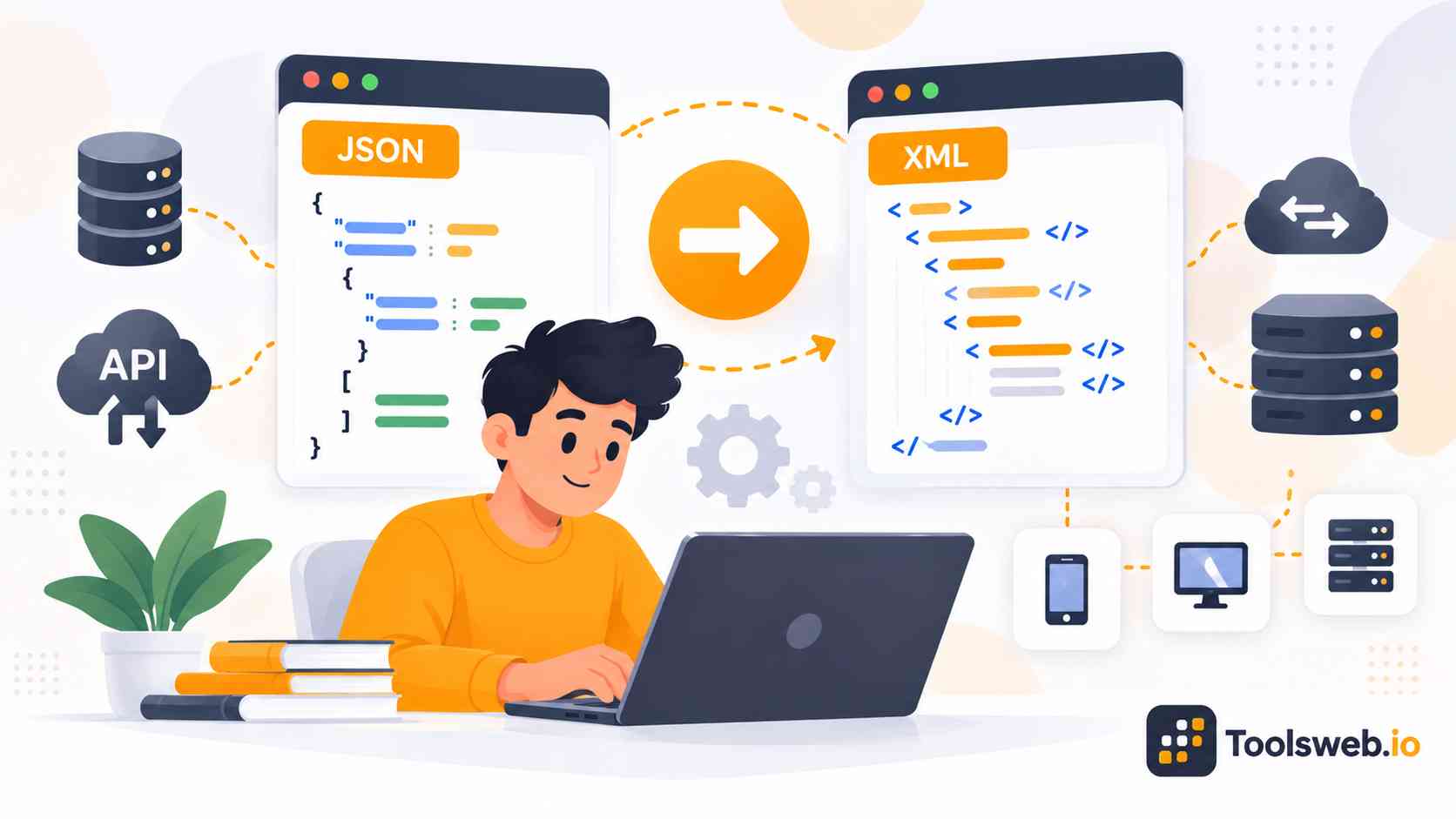
A JSON to XML Converter helps you transform JSON data into structured XML format in seconds. This tool supports fast data conversion, readable XML output, and smooth integration with APIs, enterprise systems, and backend workflows.
Convert JSON files, API responses, or raw JSON text into clean XML format without manual coding. This browser-based converter simplifies data transformation for developers, students, and businesses.
What is JSON to XML Conversion?
JSON stands for JavaScript Object Notation. Developers use it to store and exchange structured data between applications and APIs. JSON uses key value pairs, arrays, and nested objects. Its lightweight structure makes it easy for humans and machines to read.
What is XML
XML stands for Extensible Markup Language. It stores data using custom tags and hierarchical elements. XML supports attributes, namespaces, schema validation, and structured document formatting. Many enterprise systems still rely on XML workflows.
Difference Between JSON and XML
JSON uses lightweight syntax with objects and arrays. XML uses tags, nodes, attributes, and nested elements. JSON works better for modern APIs and web apps. XML offers stronger document structure and validation support for enterprise systems.
Security and Privacy
This tool processes JSON and XML data directly in your browser, helping keep your information private and secure. It does not permanently store your data and safely handles structured content during conversion, making it suitable for API responses, configuration files, and other sensitive development data.
How JSON to XML Conversion Works
JSON to XML conversion transforms JSON objects, arrays, and nested data structures into XML tags while preserving the original hierarchy and relationships. The converter generates well-structured XML with proper formatting and indentation, making the output easier to read, edit, and integrate with XML-based applications.
Common JSON to XML Conversion Errors
Common JSON to XML conversion errors include invalid JSON syntax, incorrect nesting, unsupported special characters, and missing XML root elements. Validating JSON before conversion helps prevent these issues and ensures the generated XML remains well-structured and compatible with XML-based systems.